but they will not be edited anytime.
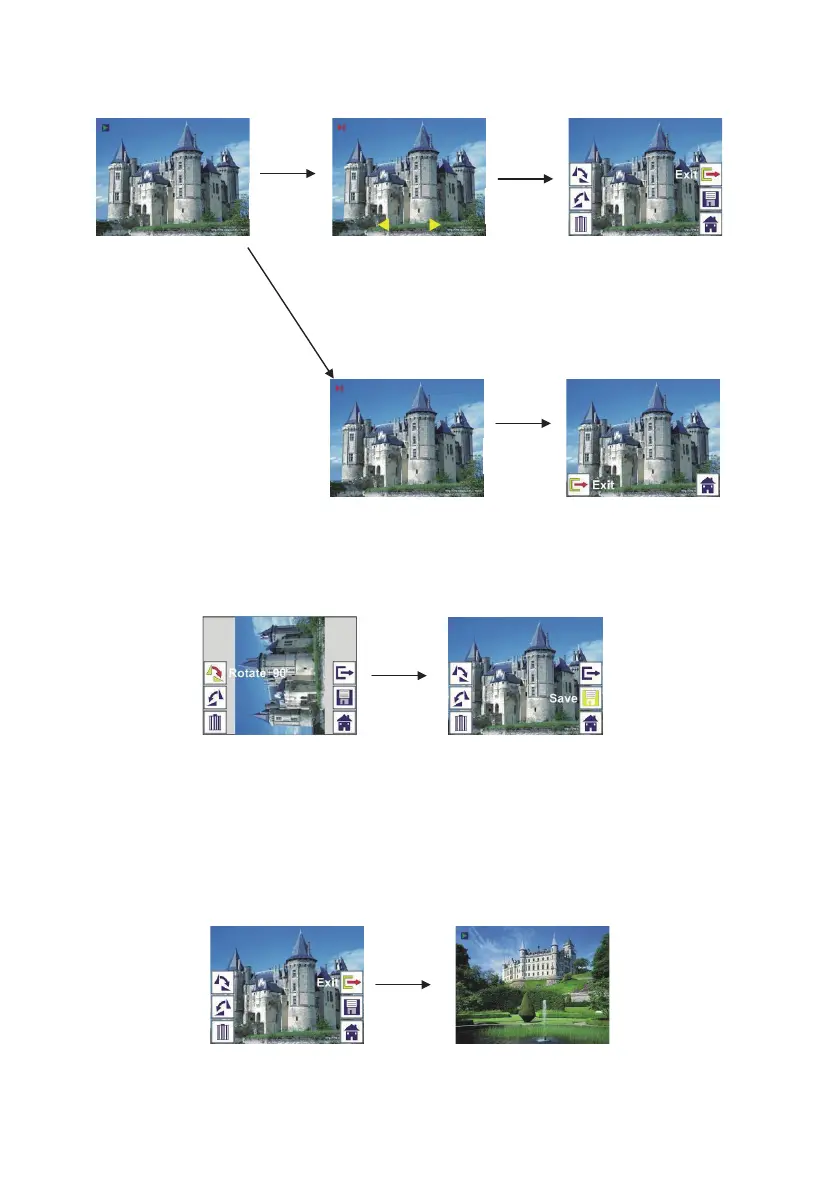
2.4 Playback: Rotate/Save
If user wants to rotate +90 degrees by ENTER button, the image will be rotated
+90 degrees and cursor will remain at Save. Press ENTER button again to
save modified result and next picture will be shown. For continuously rotate
+90 degrees, move cursor to rotate again and press ENTER button. (Same for
Rotate –90 function)
2.5 Playback: Exit
Once user select Exit function in edit menu, the display will go back to slide
show starting with the current picture without any change
ENTER
Slide show mode
Single picture mode
Use LEFT/RIGHT button
to scroll picture
Edit mode
ENTER
ENTER
ENTER
ENTER
15 - EN



 To Next Page