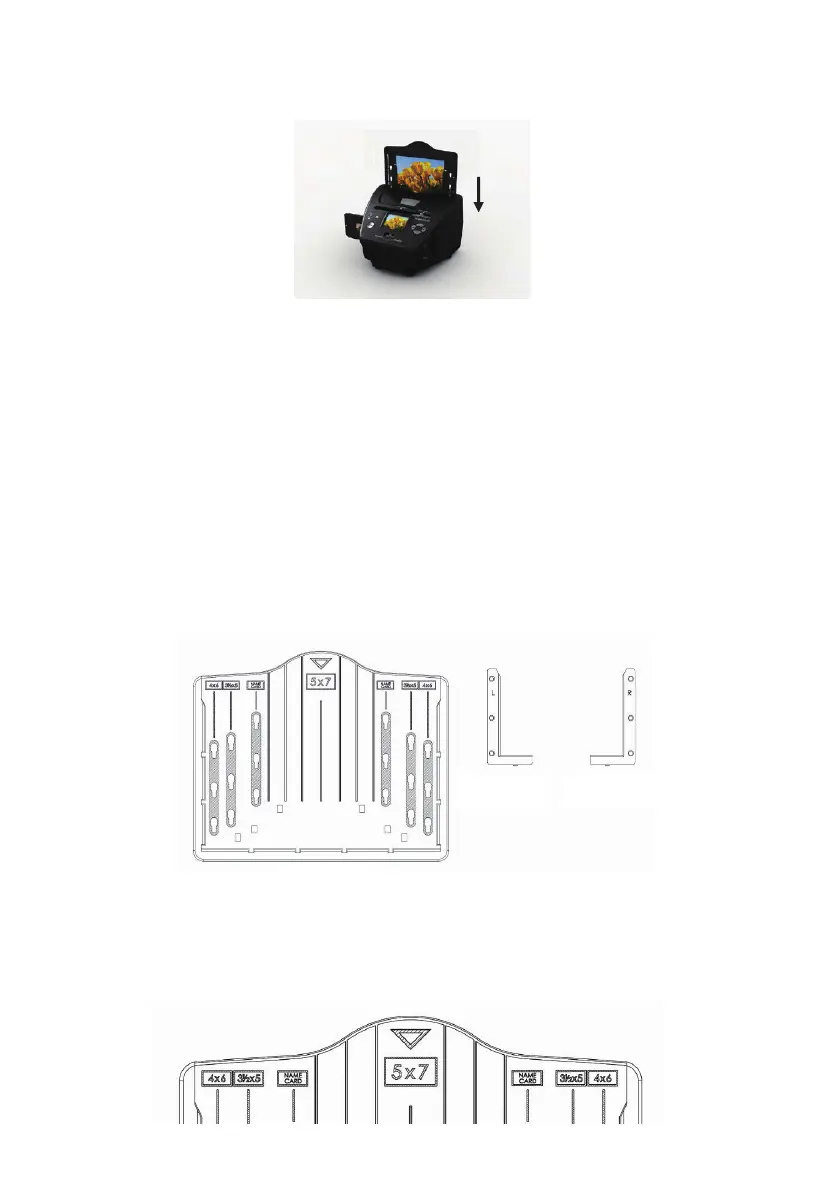
Insert the negative holder into the slot on the right side of the film & photo
scanner as shown.
Film Holder: The design of the film holder follows ISO standard. In some cases
the holes on the film will not match exactly to the alignment of the holder. This
is caused by a non-standard camera. In this case there will be a small black
line on the edge of the frame that can easily be cropped out using photo editing
software.
ISO-- International Organization for Standardization
6: Loading photo
Position the brackets according to the marked dimensions on the photo tray.
Note that for 5”x7” photographs, the brackets do not need to be fitted into the
photo tray.
Left bracket Right bracket
Photo tray
6 - EN



 To Next Page