Home
DIGITNOW!
Scanner
M125
Page 11 (Image Adjustments)
DIGITNOW! M125 - Image Adjustments
20 pages
Manual
Save Page as PDF
To Next Page
To Next Page
To Previous Page
To Previous Page
Loading...
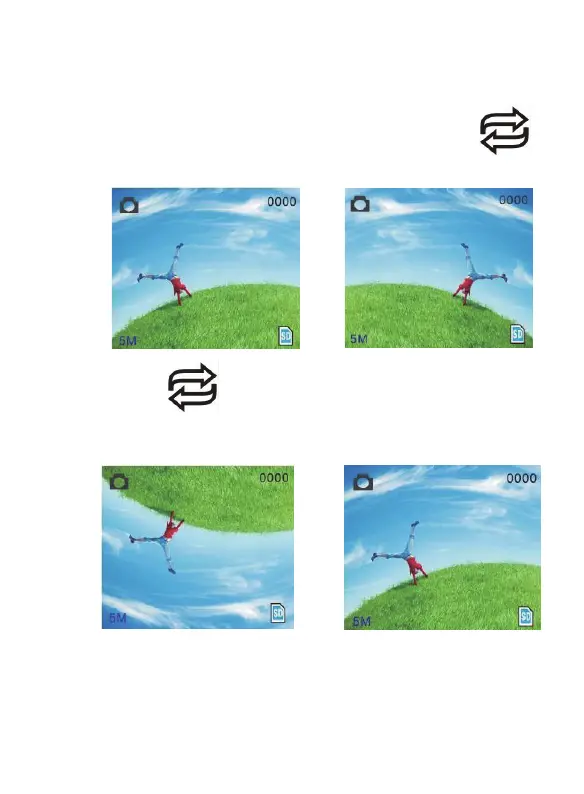
4.Mirror
Image/Rotation
If
you
nee
d
m
irror
image
or
rotation
image
when
picture
be
scannin
g,
you
c
an
press
Rotatio
n
key
to
adjust
it,
then
capture
pictu
re.
→
Press
key
(m
irror
image),
the
image
place
be
altered
(from
left
to
right)
→
10 - EN
10
12
Related product manuals
DIGITNOW! M126
14 pages
DIGITNOW! M122A
22 pages
DIGITNOW! C101
26 pages



 To Next Page