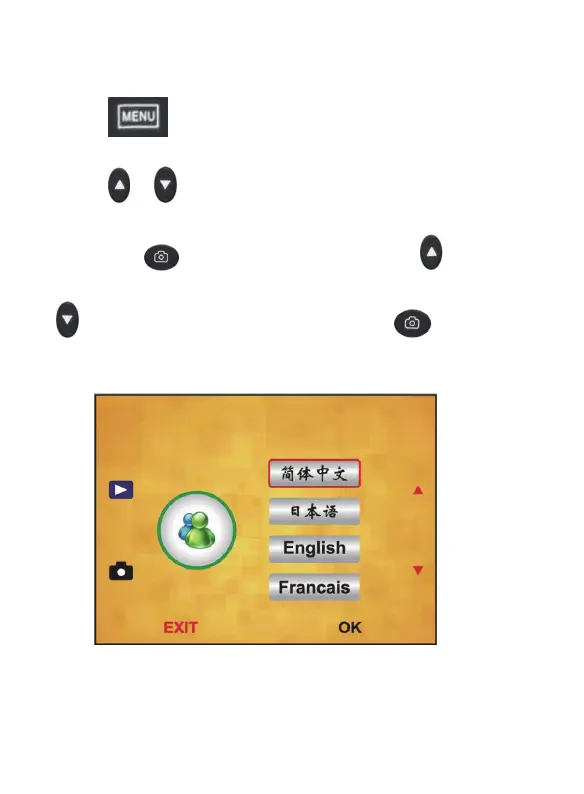
9.Language
Press “ ”MENU key to enter into MENU,
press “
”/ “ ” key to choose Language option
and press “
” to enter setting, then press“ ”/
“
” key to choose language, and press “ ” to
save the setting.
Note: Choosing English ,French ,Deutsch, ltalian,
Spanish , Chinese, Simplified Chinese,
Japanese. according to user’s need
17 - EN



 To Next Page