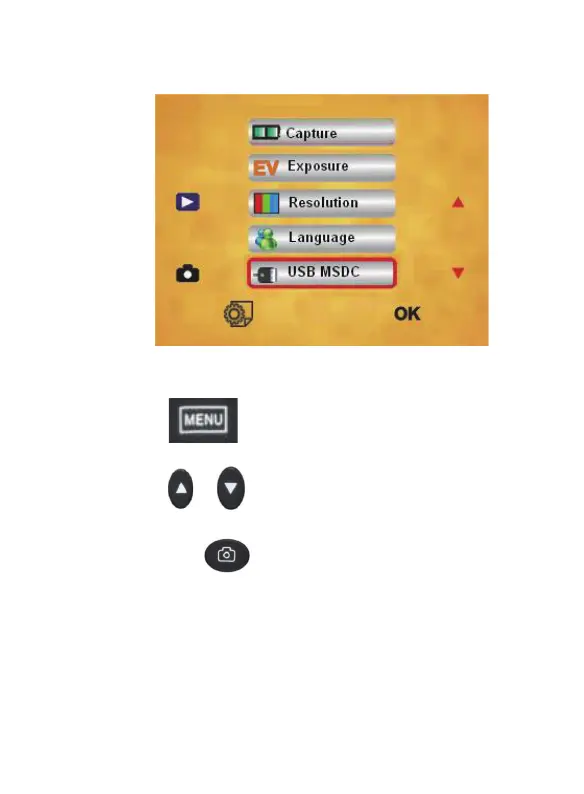
10.USB MSDC
Press “ ”MENU key to enter into MENU,
press “
”/ “ ” key to choose USB MSDC option
and press “
” to enter USB MSDC. after the
product successfully connect to PC via USB cable,
the screen will light off, and the “PC” indicator will
light up. Then you can preview images on PC and
transfer images from the product to PC.
18 - EN



 To Next Page