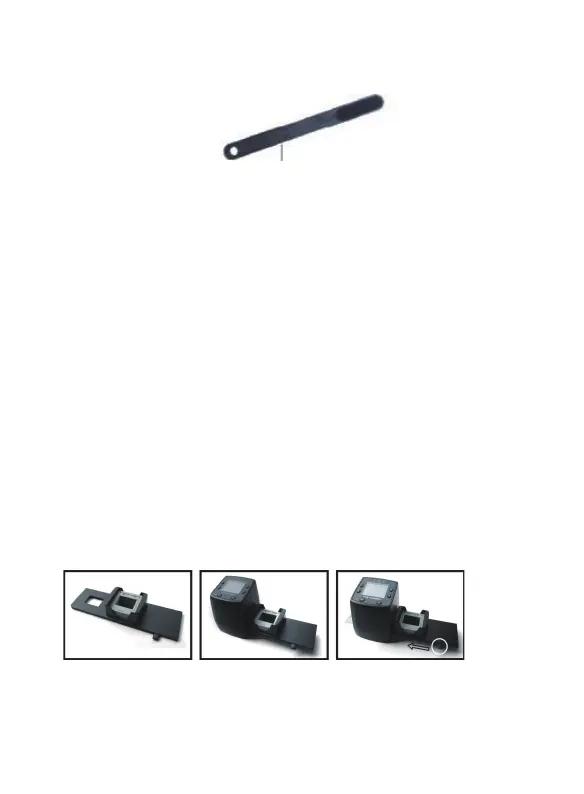
Cleaning Brush
Note: Place the film scanner on the side and insert
the end of the brush into the door on the right side
and clean the backlight panel placed in the film
scanner.
2. Using the included Holders
With the lever all the way to the right, stack your
slides in the rapid slide feeder.
Place the rapid slide feeder into the FILM
HOLDER SLOT.
Push the lever towards the left, then pull the lever
back to the right again to load a slide from the
feeder into SLIDES 2. Repeat this step f
or
subsequent slides (which will push the used slides
out the other side).
3 - EN



 To Next Page