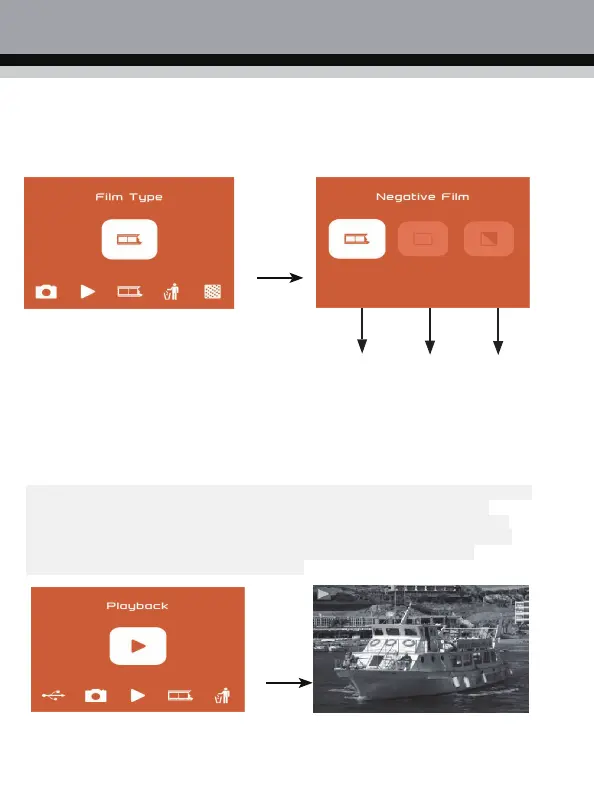
3. Negative film mode selection
After entering the film mode, the user can select the corresponding film to scan by entering the
film type, select the corresponding film type with the left and right buttons, and then press "OK"
to confirm.
OK
①
② ③
① Negatives: Select negatives when the negatives loaded in the film holder.
② Positive: Select the positive when the positive is loaded in the film holder.
③ Black and white film: select black and white film when the negative is loaded i
nto the clip.
4. Photo Preview
In the main menu mode, press the ◄ or ► key to select the photo preview mode, press
the "OK" key to enter the photo preview mode, the scanned photo will be played
automatically, and then press the "OK" key to enter the manual selection of preview
photos, press ◄ or ► You can manually select and view photos, then press "OK" to
enter, exit, delete, back to the main menu options, press ◄ or ► to select the
corresponding option and press "OK" to confirm.



 To Next Page