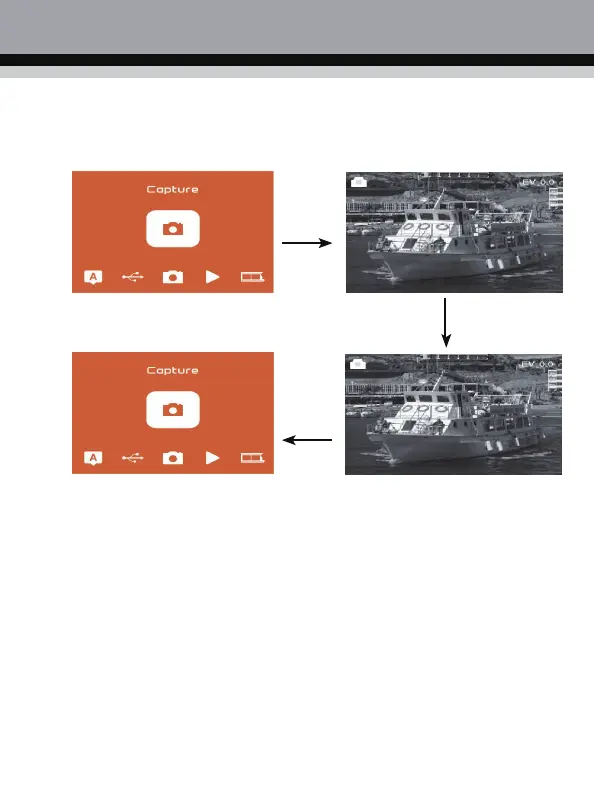
2.2 After confirming that the backlight is clean, press the "OK " key in the main menu scan mode
to enter the scan mode. In the scan mode,
Short press the "Scan/Menu" button to capture,
long press the "Scan/Menu" button for two seconds back to the menu homepage.
If any image requires for Mirror or Flip before capture, press LEFT/RIGHT button for Mirror/Flip
function, the live view will be adjusted accordingly(This step is to correct user misplaced the
film/photo either upside
down or flip). Mirror and Flip function can only be used while in the live
view mode.



 To Next Page