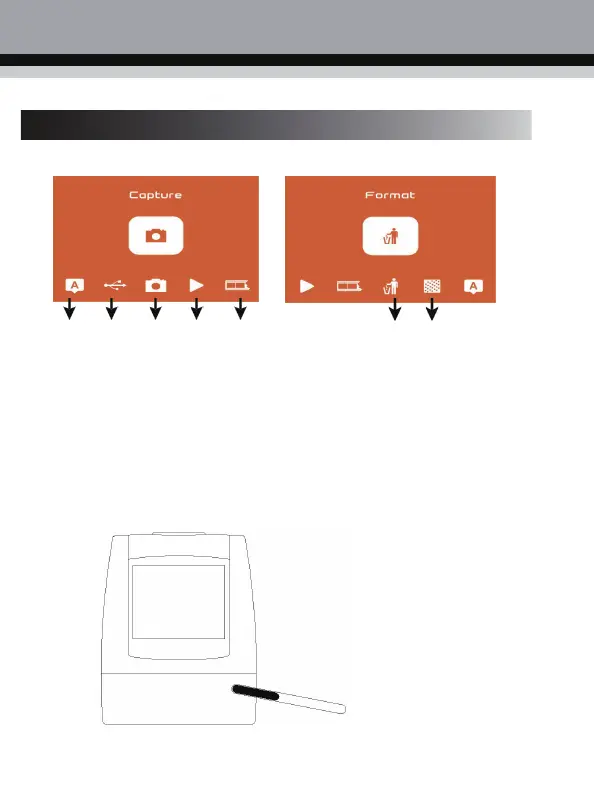
1. Introduction to Main Menu Settings
① ② ③ ④ ⑤
⑥ ⑦
① Language Mode ⑤ Film mode
② USB Mode ⑥ Format
③ Photo mode ⑦ Resolution
④ Playback mode
2. Image Capture
2.1 Before scanning photos, please confirm whether the backlight of the product is clean. When
cleaning the backlight, please extend the cleaning brush from the right side of theproduct.



 To Next Page