5.How to use negative clip
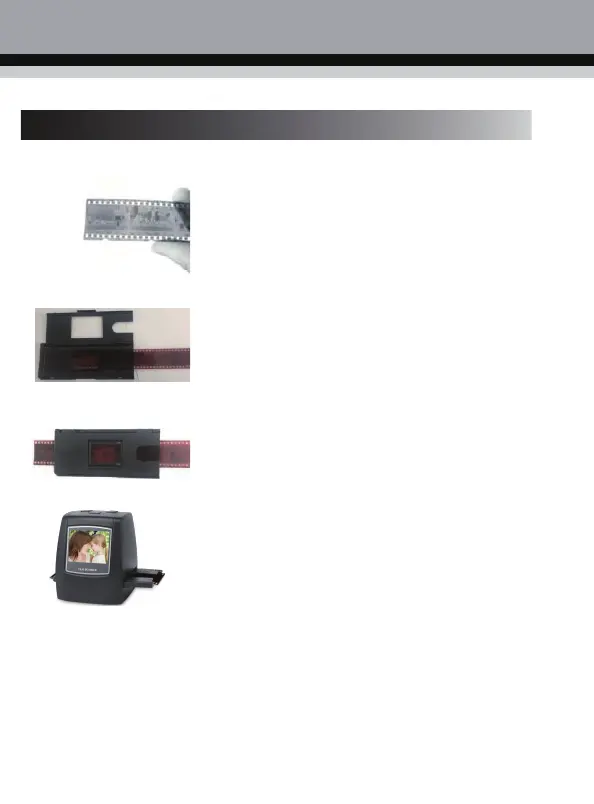
a. Hold the negatives against the light, and
place the negatives facing you correctly.
b. Put the 135 film into the Negative
Adapter, close the Negative Adapter.
c. Insert the Negative Adapter clip into the
scanner for scanning.



 To Next Page