System requirements
• Windows 7, Vista, XP or any other
USB enable operating system
• One USB A jacket
Installation
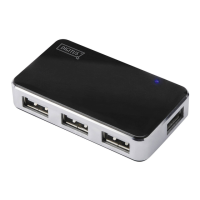
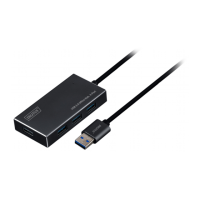
1. First connect USB A of this product with
your computer.
2. Then connect products such as mouse,
Card Reader, USB flash sticks, etc. with
the four USB interface.
3. As it is Plug and Play product, it works
directly after you plug in. Follow the
on-screen instructions when connecting
new peripheral devices or consult the
user manual of the peripheral device
manufacturer.


 To Next Page