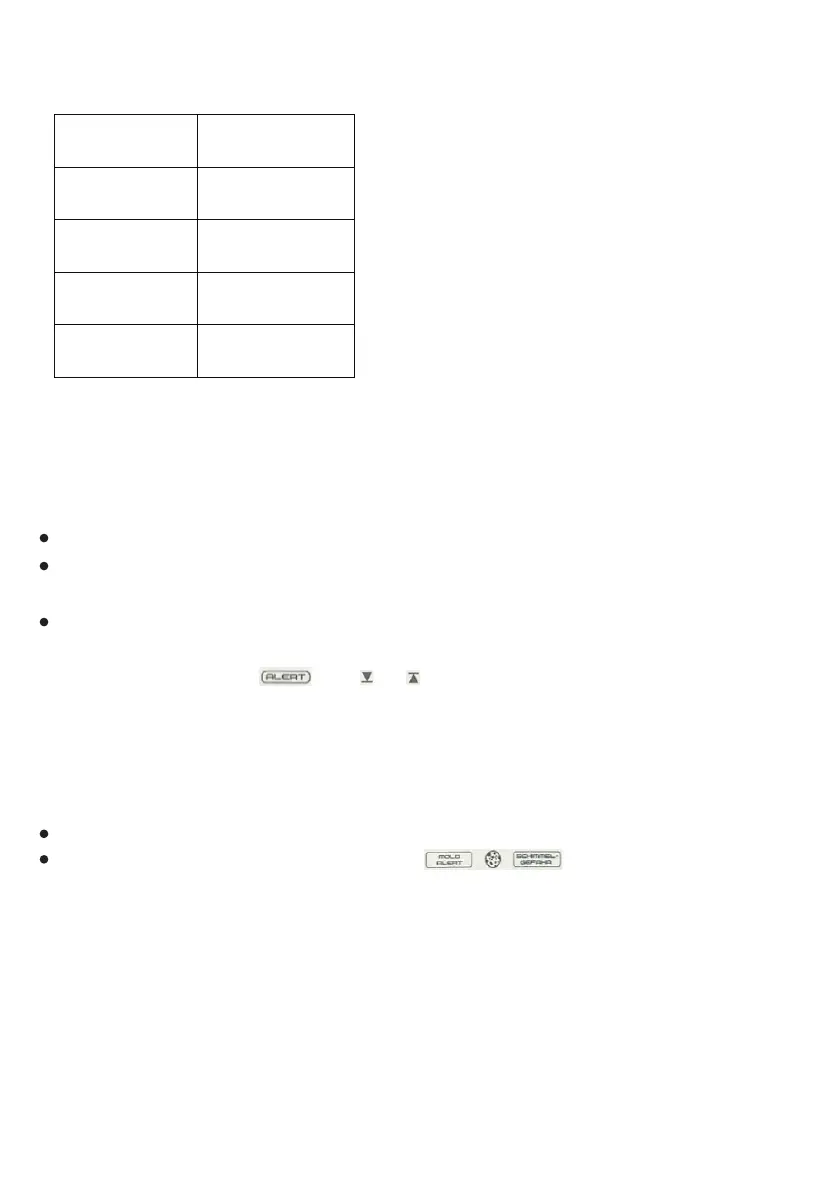
COMFORT LEVEL INDEX
HUMIDITY ALERT ALARM
MOULD ALERT & SCHIMMEL-GEFAHR ALERT
(The unit records the humidity values within 24 hours and displays the record on the
humidity bar graph.)
Setting order refer to: “BUTTON FUNCTION/[C/F/▼] BUTTON”;
After humidity reach alert level,symbol will keep displaying, and
LED flashes every 5 seconds. Press any key to stop the LED light flashing, but
symbol will be on unless room humidity beyond the alarming level.
Setting order refer to: “BUTTON FUNCTION/[SET/DEW POINT] BUTTON”;
After setting the humidity alert values, press [ON/OFF] button to switch the alarm
on or off;
When humidity reach alarming level, hygrometer will ring up by sounding BIBIBIBI
and the LED light flashes for 1 minute. Press any key to stop the LED light flashing
and BIBI sound, but and or will keep flashing, unless ①pressing [ON/
OFF] button to switch off the humidity alarm,or ②room humidity values is beyo-
nd the alarming level.
TOO WET 81%-90%
WET 71%-80%
COMFORT 40%-70%
DRY 30%-39%
TOO DRY 20%-29%



 To Next Page