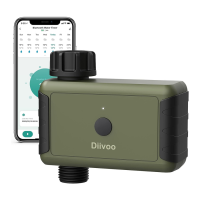
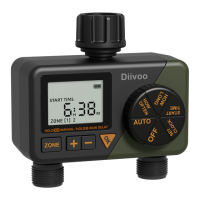
Need help?
Do you have a question about the Diivoo WT-02 and is the answer not in the manual?
Set the current week and time for the watering timer.
Configure the watering program state (ON/OFF) for P1.
Set the desired start time for the watering program.
Set the desired end time for the watering program.
Set the duration for watering from 1 minute to 23 hours 59 minutes.
Set the frequency for watering, ranging from 1 minute to 23 hours.
Configure settings for Program P2 and P3, following P1's steps.
Select the specific days of the week for watering to occur.
Enable automatic program execution by selecting Auto mode.
Switch the timer to OFF mode, saving programs but stopping operation.
Manually start watering for a set duration, independent of programs.
Postpone scheduled watering for 1 to 7 days due to rain.
Activate a lock to prevent accidental changes to timer settings.
 General
| Brand | Diivoo |
|---|---|
| Model | WT-02 |
| Category | Lawn and Garden Equipment |
| Language | English |

 To Next Page