“CAL 0” which indicates that zero
point is set FIG 12.
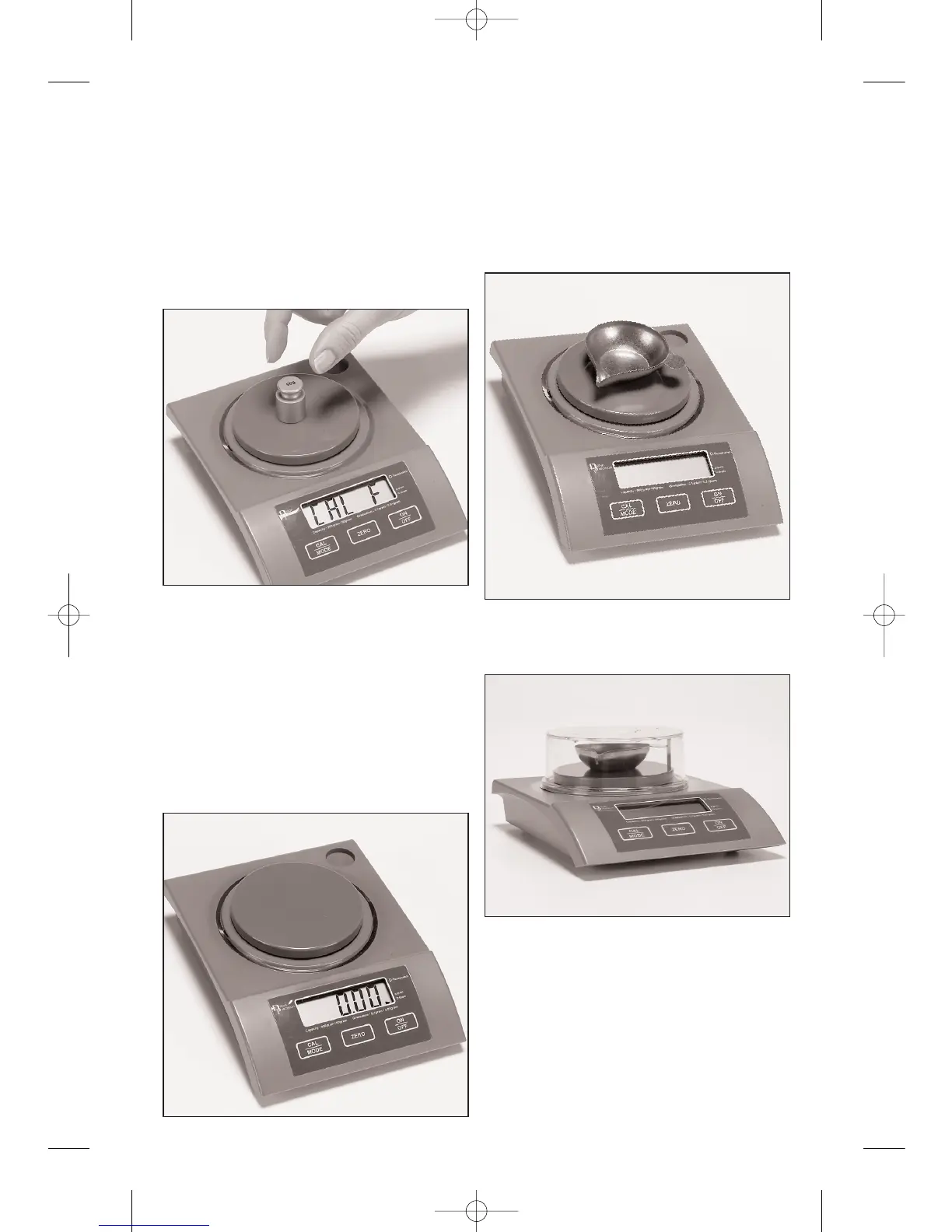
4. GENTLY place the 50 gram cali-
bration weight on the platform and wait
until “CAL F” is displayed. FIG 13. The
scale is now calibrated and ready to
use.
NOTE: IF “CAL E” APPEARS
INSTEAD OF
“CAL F” GO TO STEP 5.
Remove the weight and wait for
“0.00” to appear. FIG 14. If “0.00” does
not appear, press the ZERO key to
return the scale to zero. If you wish to
check the calibration, replace the 50
gram weight on the platform and the
display should read “50.00” grams.
5. If the display shows “CAL E” it
means an error has occurred during the
calibration process. Repeat the process
until “0.00” appears.
E. Operation of the Scale
(weighing powder):
1. Place the empty pan on the scale.
FIG 15.
2. Put the draft shield in place. FIG
16.
3. Turn the scale on by pressing the
“ON/OFF” button.
Fig. 13
Fig. 16
Fig. 15
Fig. 14
4


 To Next Page