EasyManua.ls Logo

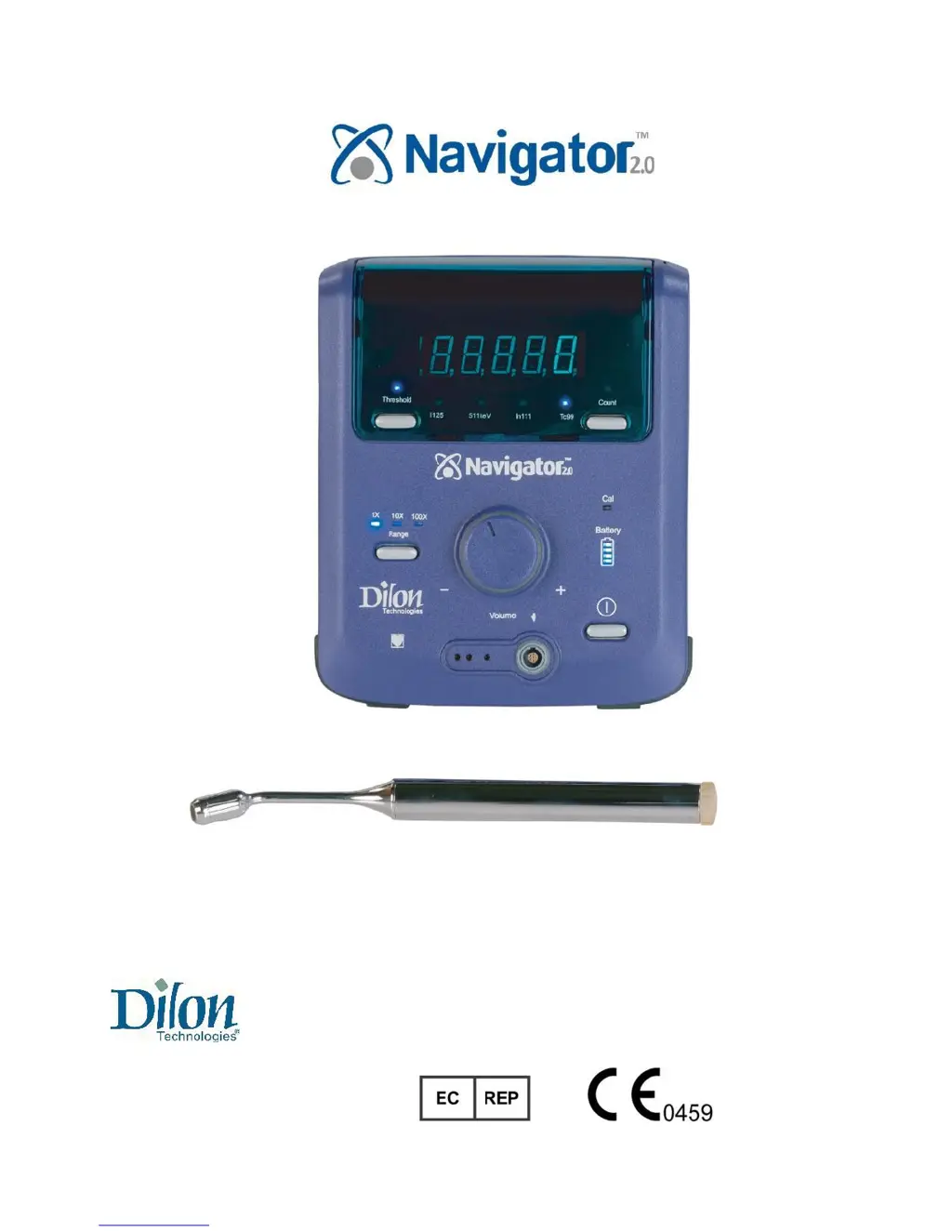
Dilon Navigator 2.0 - Service Manual

Dilon Navigator 2.0
43 pages
Print Icon
To Next Page IconTo Next Page
Loading...
User/Service Manual
Manufactured by: Authorized European Representative:
Dilon Technologies, Inc. AG Medical
12050 Jefferson Avenue Route de l'Orme,
Suite 340 Parc des Algorithmes - Imm. "Homère"
Newport News, VA 23606 91190 Saint-Aubin
USA France
Phone: 1-844-DILONNAV http://ag-medical.com/

Other manuals for Dilon Navigator 2.0

Questions and Answers

  • W
    William AlvarezSep 10, 2025
    Why Dilon Security Sensors show zero in display with no signal from radioactive source?
    • J
      Jeremy DuranSep 10, 2025
      If the display shows zero and no signal is detected from a radioactive source, it could be due to: a missing connection between the probe, cable, gain module (if present), and control unit, so check that all connections are secure; the isotope control being set to the incorrect isotope, so change the Isotope Control on the rear of the control unit to the appropriate setting; an open circuit in the probe cable, so replace the cable; a damaged circuit inside the control unit, so try a different control unit or contact Dilon Technologies for assistance; or a damaged probe/probe cap/detector, so try a different probe or contact Dilon Technologies for assistance.
  • A
    Anthony RomanAug 22, 2025
    Why does my Dilon Laboratory Equipment display zero with a radioactive source present?
    • R
      Roy AndradeAug 23, 2025
      If your Dilon Laboratory Equipment shows zero in the display, even with a radioactive source present, it might be due to several reasons. Check the connection between the probe, cable, gain module (if present), and control unit, ensuring all connections are secure. If a gain module is used, verify it's not set to zero. If there is an open circuit in the probe cable, replace the cable.
  • J
    josephsmithAug 25, 2025
    What to do if my Dilon Laboratory Equipment shows zero and there is no signal from a radioactive source?
    • H
      hooverjohnAug 25, 2025
      If your Dilon Laboratory Equipment displays zero and there is no signal from a radioactive source, a possible cause is that there is no wireless connection between the probe and control unit. In this case, replace the probe battery, ensuring it is correctly inserted with the '+' facing toward the base of the probe. Another reason could be that the probe LED is illuminated but not transmitting a signal to the unit. Gently shake the probe to activate connectivity.
  • J
    Jesse PhillipsAug 26, 2025
    Why is the LED on my Dilon Laboratory Equipment Pilot Probe not illuminating?
    • L
      Lori GilbertAug 26, 2025
      If the LED on the Pilot Probe of your Dilon Laboratory Equipment does not illuminate, it could be due to a dead or incorrectly installed probe battery. Replace the battery, making sure it's correctly inserted with the '+' facing toward the base of the probe. Ensure a battery is installed.
  • K
    Kimberly RobersonAug 28, 2025
    How to fix spurious high counts on Dilon Laboratory Equipment?
    • C
      cfreemanAug 28, 2025
      If your Dilon Laboratory Equipment shows spuriously high counts, like 80,000 counts per second with the probe held in the air, it may be due to an intermittent short in the cable. Replace the cable.
  • R
    Rachel SmithAug 29, 2025
    Why is the display dark on my Dilon Measuring Instruments?
    • C
      Christopher KramerAug 29, 2025
      The display might be dark on your Dilon Measuring Instruments due to several reasons: the power switch could be off or broken, the battery might be dead, or the fuse could be blown. Ensure the power is on, recharge or replace the battery, and replace the fuse. Contact Dilon Technologies for further assistance if needed, especially if the switch is broken or the PCB is damaged.
  • B
    billy65Sep 18, 2025
    How to fix incomplete digits in Dilon Security Sensors display?
    • J
      Joshua MooreSep 18, 2025
      Incomplete digits in the display may be caused by damage to the display or display driver. If this occurs, contact Dilon Technologies for assistance as the unit may be damaged.
  • S
    stevenssydneySep 12, 2025
    What causes spurious high counts on Dilon Security Sensors?
    • Y
      ywadeSep 12, 2025
      Spurious high counts, such as 80,000 counts a second when the probe is held in air, can be caused by an intermittent short in the cable. The solution is to replace the cable.
  • B
    Brian PearsonSep 8, 2025
    What to do if Dilon Security Sensors display is dark and there is no power?
    • P
      Peggy JonesSep 8, 2025
      If the display is dark and there's no power, the possible causes include: the power switch being off or broken, in which case you should turn the power on or contact Dilon Technologies for assistance; the battery being completely discharged, in which case you should recharge or replace it; the fuse being blown or missing, in which case you should replace the fuse; or a damaged PCB in the control unit, in which case you should contact Dilon Technologies for assistance.
  • L
    Laura SalazarSep 5, 2025
    What causes spurious high counts on Dilon Measuring Instruments?
    • R
      Ronald MooreSep 5, 2025
      Spurious high counts on your Dilon Measuring Instruments, such as 80,000 counts per second when the probe is in the air, can be caused by an intermittent short in the cable. Try replacing the cable.

Summary

Introduction

Regulatory and Safety Requirements

Covers the compliance of the Navigator 2.0 with relevant EC Directives, EMC standards, and safety regulations.

System Overview and Components

Precautions

General Safety Precautions

General safety warnings and important cautions for the proper and safe operation of the Navigator 2.0 system.

Control Unit, Battery, and Charger Safety

Specific safety guidelines related to the Navigator 2.0 control unit, its battery, and the charging system.

Probe Handling and Safety

Essential safety measures and handling instructions for the Navigator 2.0 probes to prevent damage and ensure user safety.

Endoscopic Procedure Precautions

Cautions and recommendations for using the Navigator 2.0 system during laparoscopic and thoracoscopic surgical procedures.

Control Unit, Battery, Cables, and Co-Pilot

Probe Connectivity and Use

Wireless Pilot Probe Setup and Use

Step-by-step guide for setting up and using the Wireless Pilot Probe with the Navigator 2.0 system.

Standard and Other Probe Setup

Instructions for connecting and preparing standard, superficial, lung, and laparoscopic probes with the Navigator 2.0.

Troubleshooting

Control Unit Issues and Solutions

Addresses common problems encountered with the Navigator 2.0 control unit and provides troubleshooting steps.

Wireless Probe Connectivity Issues

Troubleshooting steps for connectivity and operation problems specific to the Wireless Pilot Probe.

Cabled Probe Operation Issues

Solutions for common issues related to cabled probes and their interaction with the Navigator 2.0 system.

Specifications

Maintenance

Repair

Limited Warranty

Dilon Navigator 2.0 Specifications

General IconGeneral
BrandDilon
ModelNavigator 2.0
CategorySecurity Sensors
LanguageEnglish