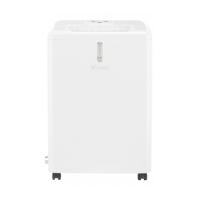
OPERATING INSTRUCTIONS
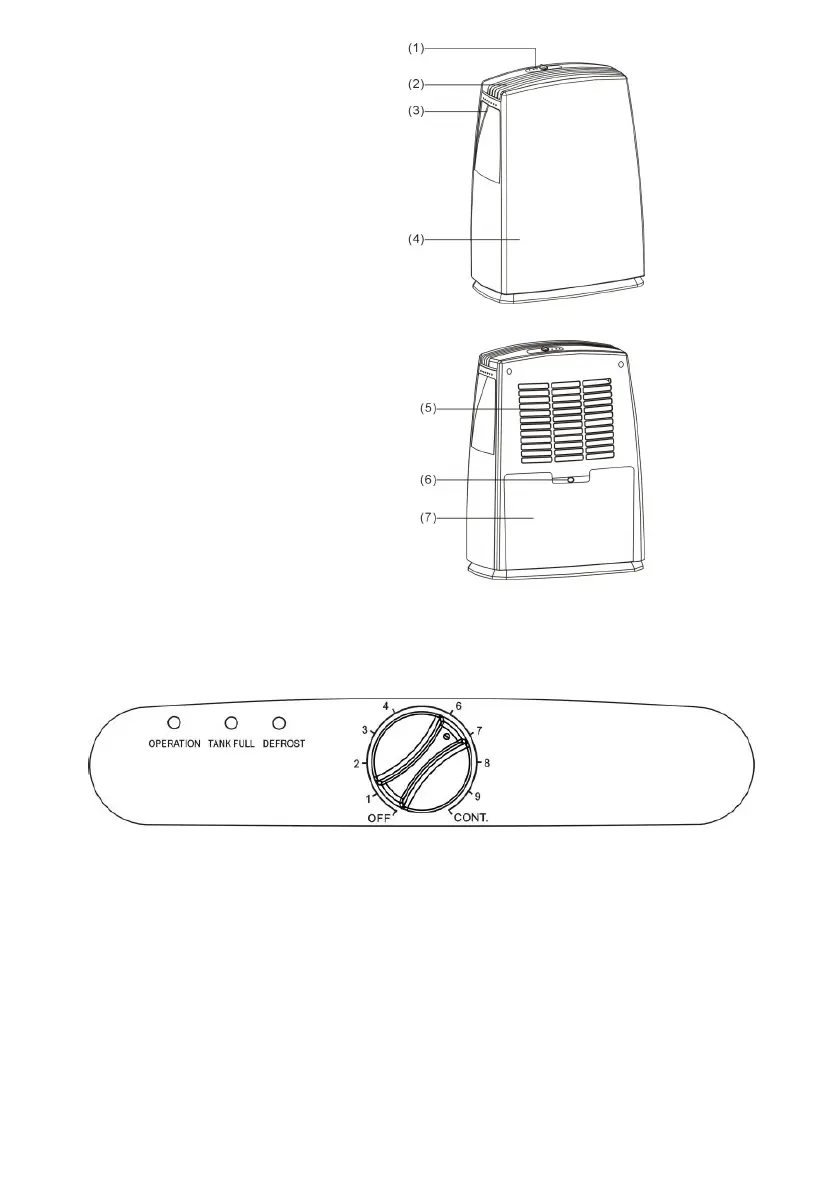
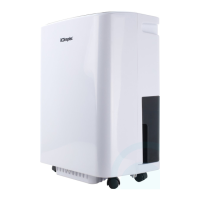
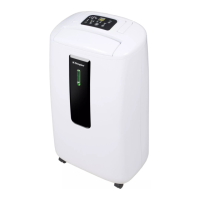
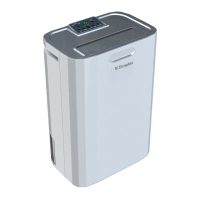
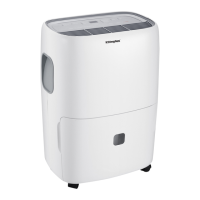
1. Control panel
2. Air outlet
3. Handle
4. Front panel
5. Back panel
6. Water outlet tube (continuous use)
7. Water tank
CONTROL PLATE DESCRIPTION
OPERATION INSTRUCTION
Starting the unit
Allow the unit to stand upright for 24hrs to let the compressor stabilize
before use.
1. Firstly, turn the humidity control switch to the “OFF” position.
2. Plug in the dehumidifier.
3. Turn on the humidity control switch (clockwise) and turn the same switch to the
reading of the desired humidity (60% in general as shown on position”4”).


 To Next Page