2
OPERATING INSTRUCTIONS
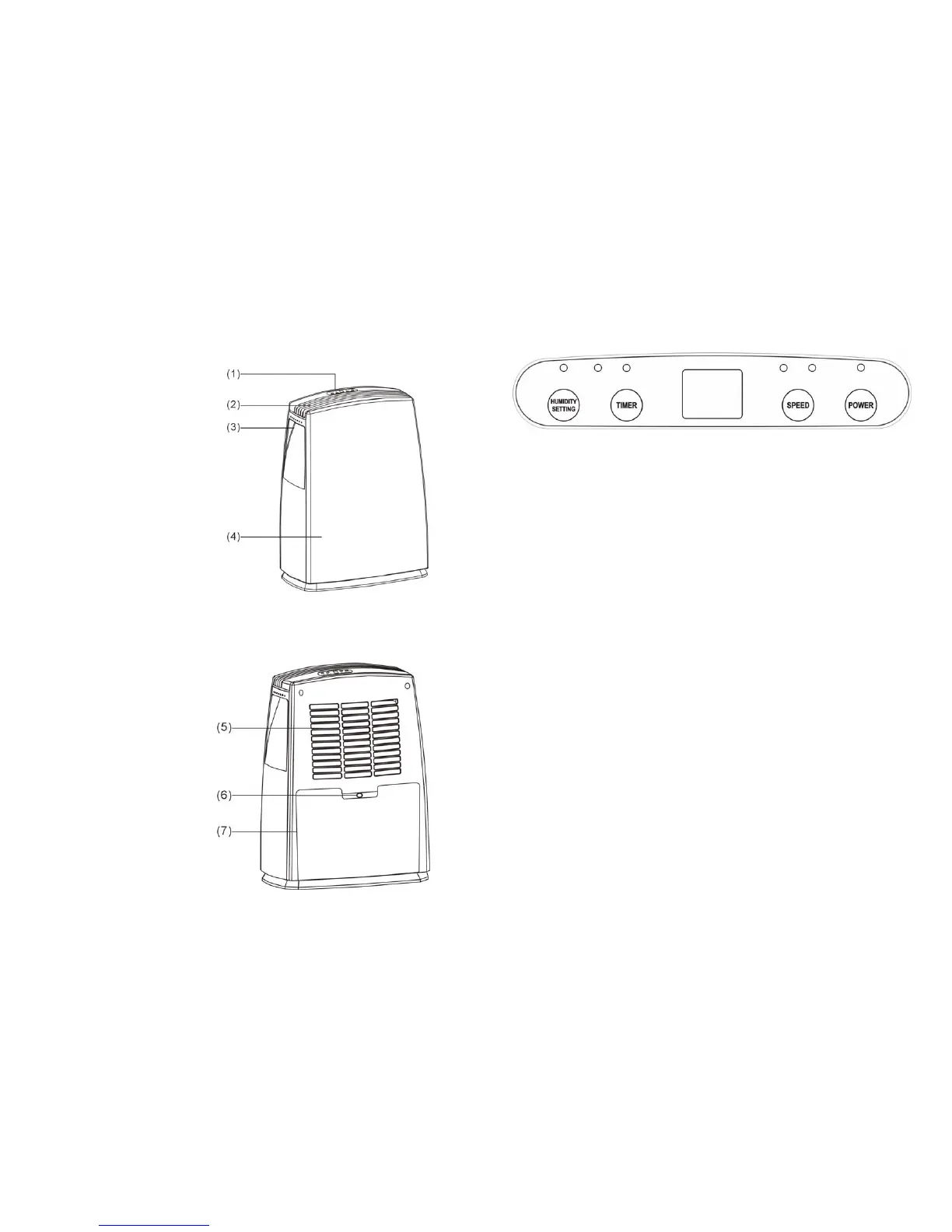
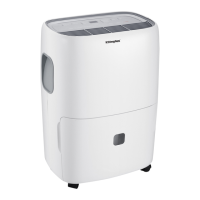
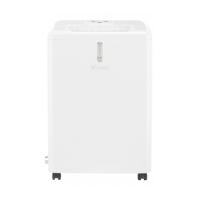
1. Control panel
2. Air outlet
3. Handle
4. Front panel
5. Back panel
6. Water outlet hole
7. Water tank
3
CONTROL PANEL DESCRIPTION
OPERATION INSTRUCTION
1. POWER KEY
Press to turn unit “ON” or “OFF”.
2. FAN SPEED
Press the key to select fan speed “HI” or “LOW”.
3. TIMER
a. Press the key to setting timer desired (1~24 hour).
b. Once the set time has come to an end.
The unit will turn off automatically.
c. Pressing the “POWER” key before the set time has been reached, the set
time will be canceled when the unit turn off.
4. HUMIDITY SETTING
Press the key to setting the humidity desired (RH50%, 60%, 70%, 80%, AU,
CO.)
When the room humidity less than the setting humidity 3% then the
compressor of unit will turn off automatically , until the room humidity is high
than the setting humidity 3% again.
Comfort mode (indicate AU)
a. when ambient temperature is below 5℃,compressor stop working
b. when ambient temperature is at or above 5℃ and at or below 20℃, it will
automatically set humidity level at 60%
c. when ambient temperature is above 20℃ and at or below 27℃, it will
automatically set humidity level at 55%


 To Next Page