Controls
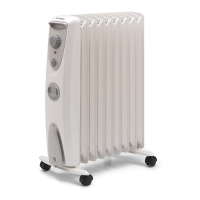
Thermostat (see Fig. 4)
The Thermostat (see Fig. 4) controls the heat output
according to the room temperature. This ensures that
the heater will not produce heat unnecessarily when the
room is warm. To set the temperature you require, turn
the thermostat knob clockwise until the required setting
is reached. Alternatively to heat a cold room quickly, turn
the thermostat knob up fully. When the room has reached
the desired temperature, turn the thermostat knob anti-
clockwise until the thermostat just clicks off. The heater
will now automatically operate at this temperature. With
the thermostat set to ‘ ‘ and the heat selection switch
set to the required heat output the appliance switches on
automatically when the temperature falls below +5°C to
+8°C.
Note – Should the heater fail to come on when the
thermostat is at a low setting, this may be due to the room
temperature being higher than the thermostat setting.
Heat Selector Switches (see Fig. 5)
Selector switches located on the control panel provide a
choice of heat output to suit varying conditions and for
economy of operation.
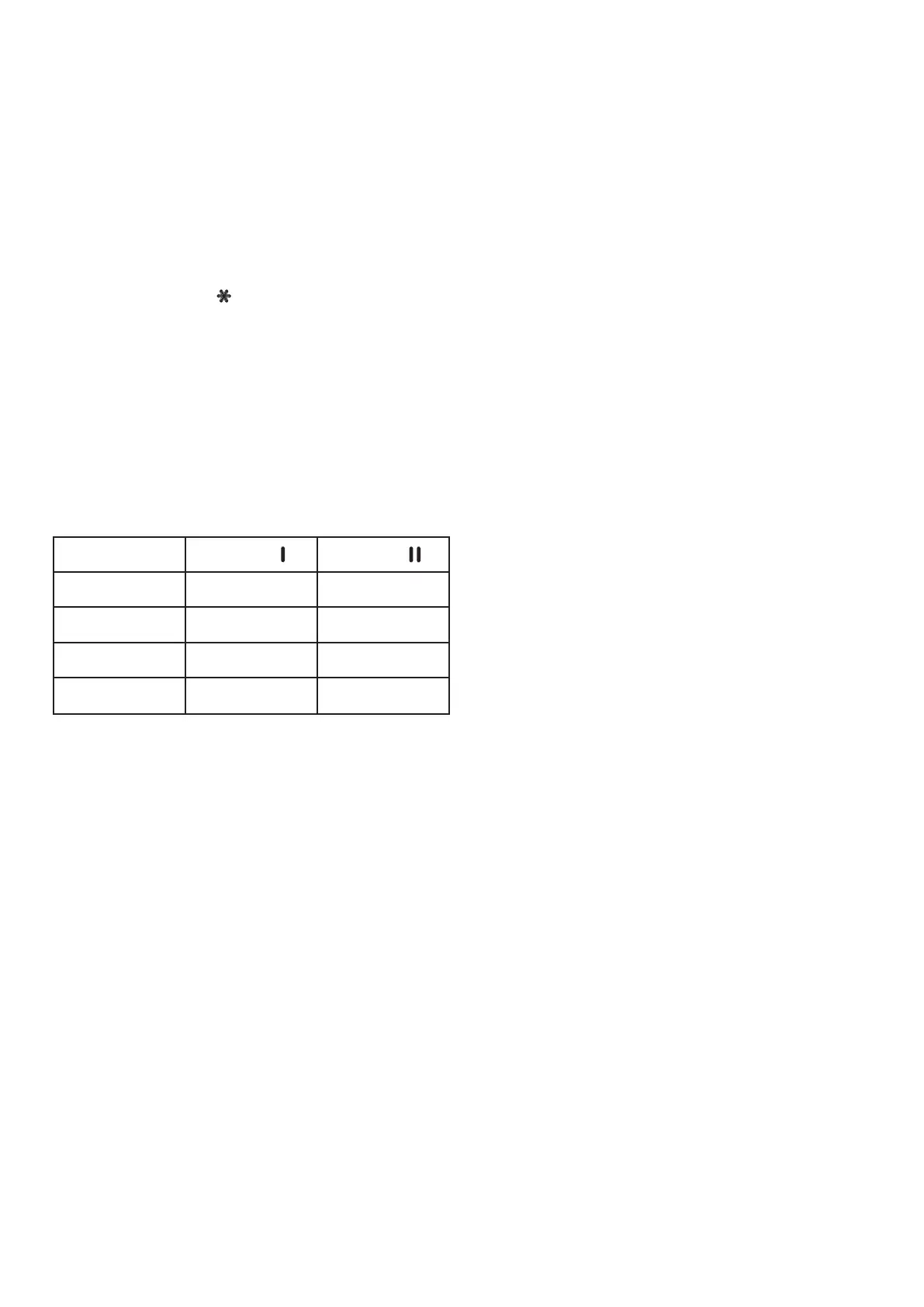
Model
Switch
Switch
OFRC10(TI) 700W 1000W
OFRC15(Ti) 1000W 1500W
OFRC20(Ti) 1400W 2000W
OFRC25(Ti) 1700W 2500W


 To Next Page