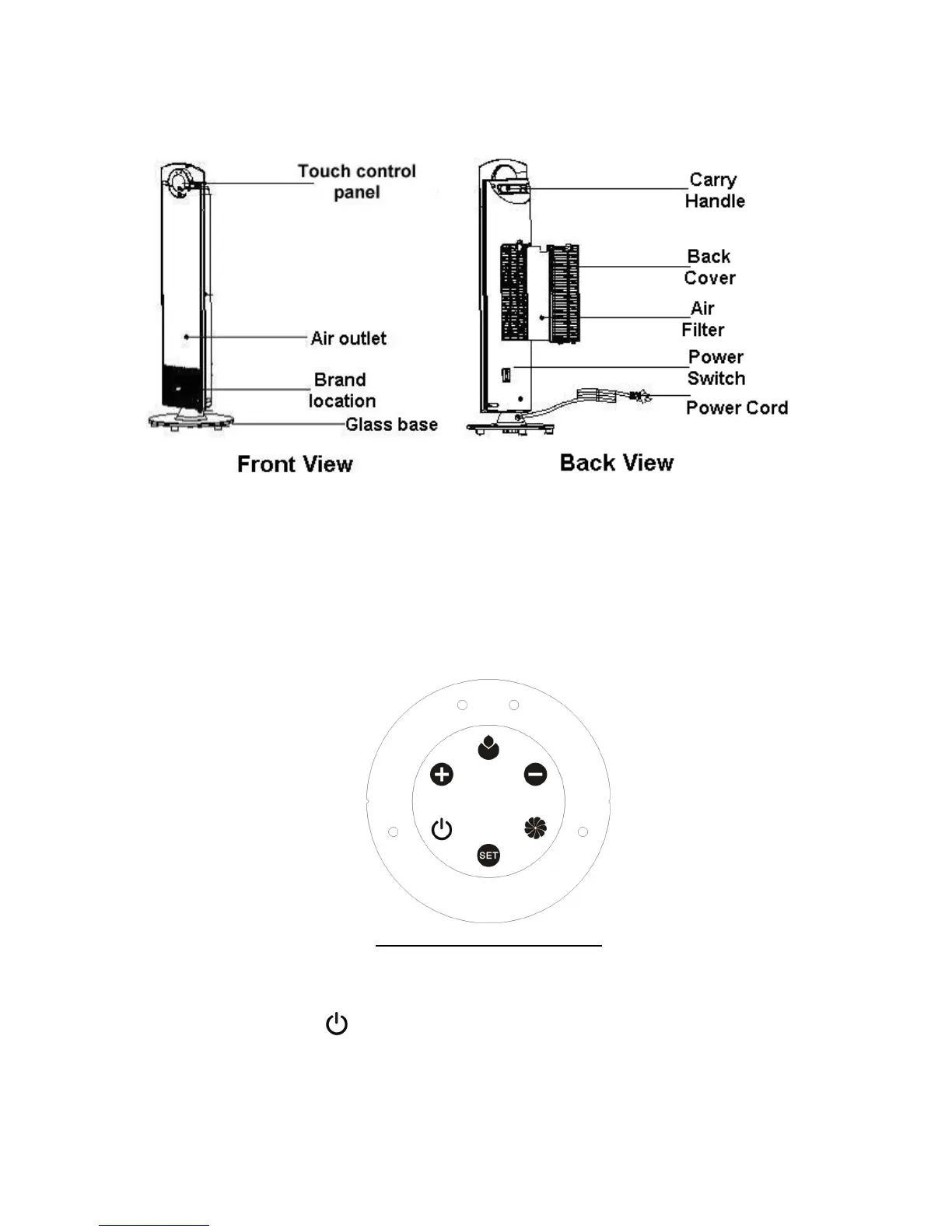
4. PARTS DESCRIPTION
5. OPERATING INSTRUCTION
Firstly, plug in the appliance to a power source matching that on the units rating label.
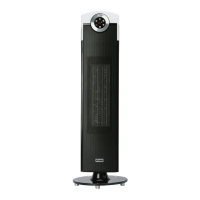
Power switch (located below the removable air filter at the rear of the unit)
Press the power button to “I” position. You should hear a beep sound; the heater is now ready for
use. Pressing the button to “0” position turns off the heater.
Control Panel and display window
STANDBY
Press the standby “ ” key, the power indicator light will turn ON. The heater begins operation
at low heat power - (LED indicator on the heating function shows “LOW”).
Press this key again and all functions will stop. The LED indicator turns off and the unit is back
in standby mode.


 To Next Page