© 2005 Directed Electronics, Inc.
DDVVDD PPllaayyeerr——RReemmoovvaall
1. While holding and supporting the DVD player.
2. Move and hold the lock/unlock button to the right.
3. Slide the player away from the screen and carefully remove.
SSeettttiinngg tthhee SSccrreeeenn MMooddee
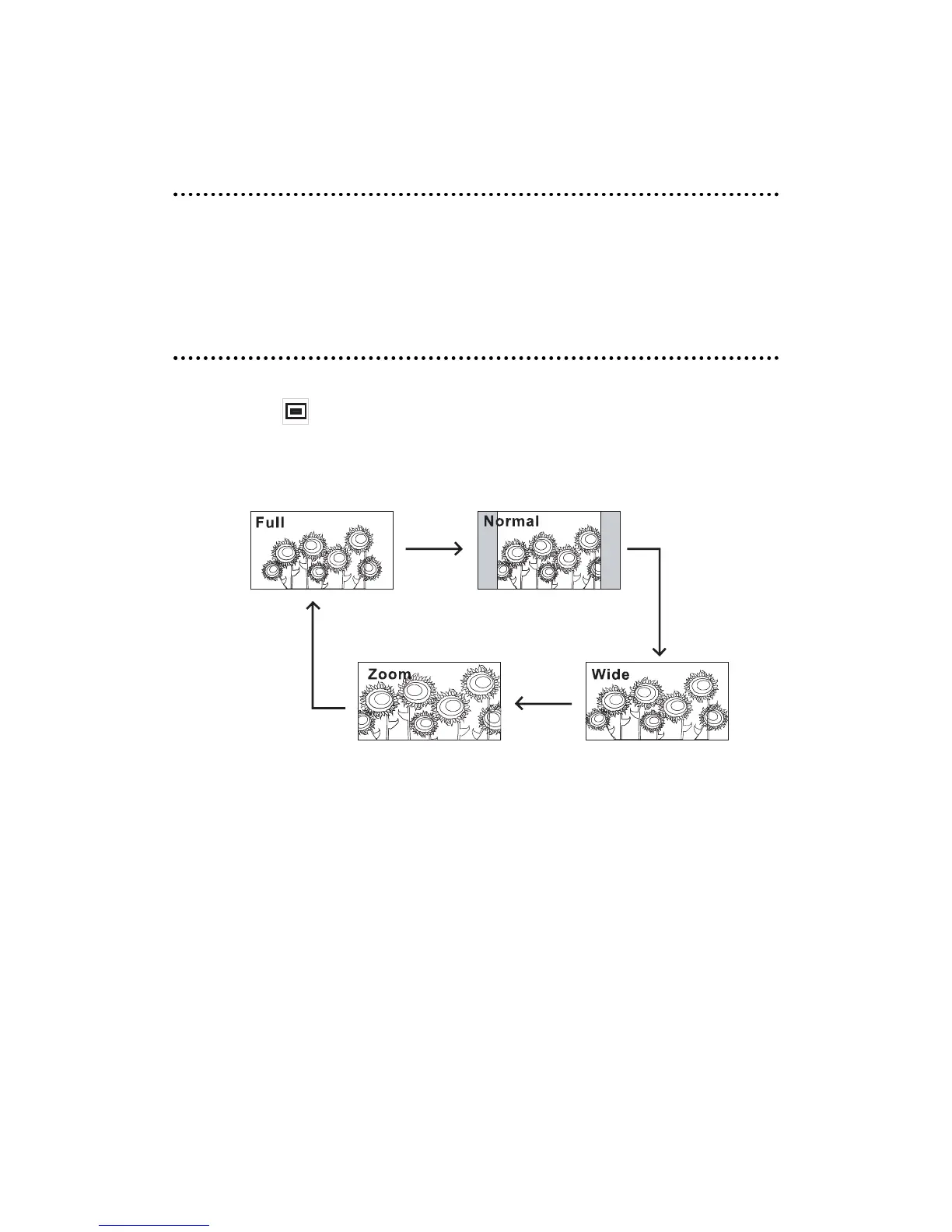
The overhead monitor has 4 different screen modes. These are: FULL, NORMAL, WIDE, and ZOOM.
Press the Image button on the remote control to access the different screen modes. The last
mode set is displayed on the screen. Each time the Mode button is pressed, the screen switches in
the following sequence.
15


 To Next Page