R
Want to know how to record and watch recorded shows with your new DIRECTV Plus
®
HD DVR? It’s easy, and we’ll show you how. Let’s get started.
If you would like to record a second program at the same time, simply select that program
from the Guide or tune to it and repeat the steps above. If you wish to watch a different
program while recording, you can go to another channel.
You can record up to 2 programs at once. (Requires connection of 2 satellite inputs from a
multiple-LNB DIRECTV
®
System antenna.)
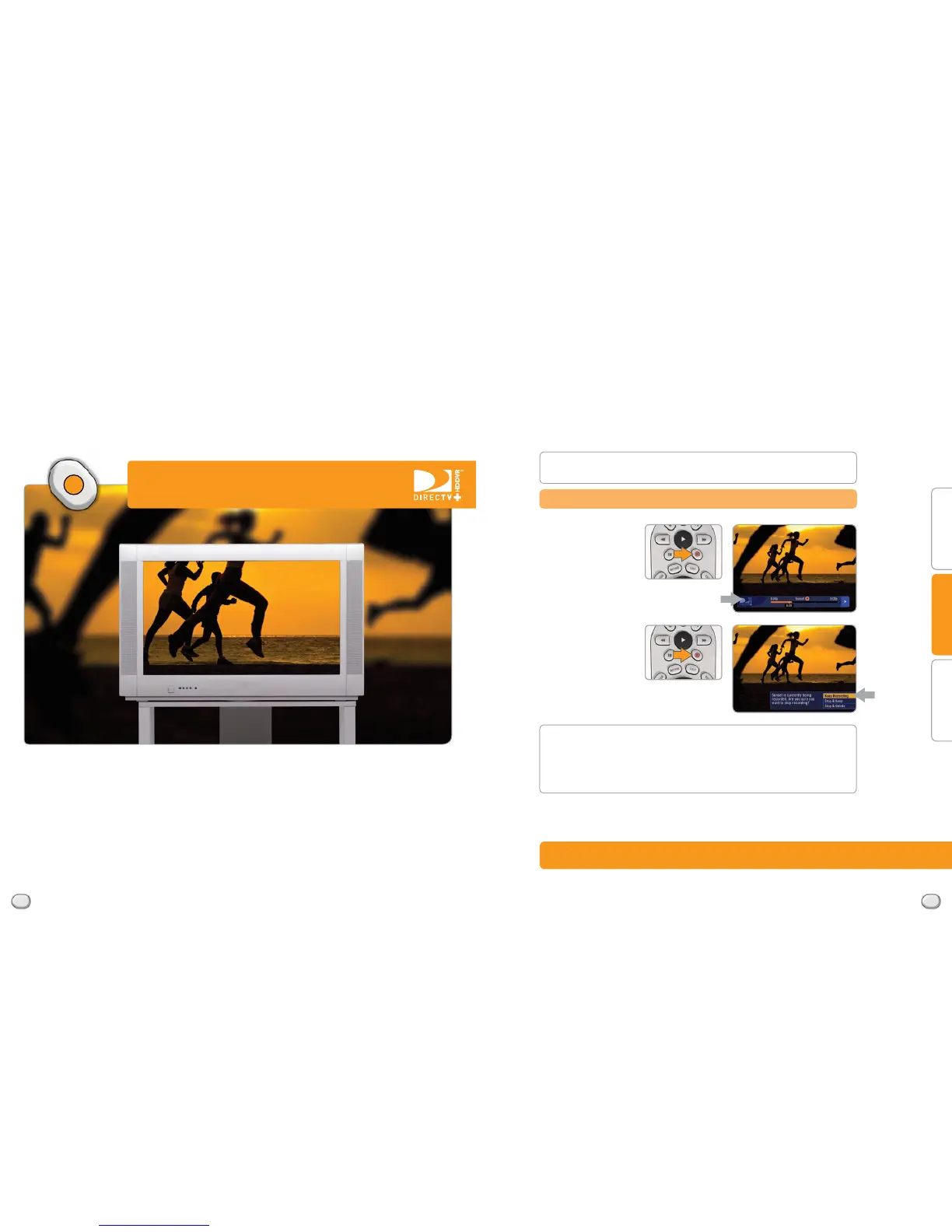
To record the program
you’re watching, simply
press the RECORD button
once on your remote.
If you press the
RECORD button a
second time while
watching a program,
the Onscreen Display
will give you the ability
to KEEP RECORDING,
STOP & KEEP or STOP
& DELETE.
T: 15 in
T: 9.75 in
F: 7.5 in F: 7.5 in



 To Next Page