Adjusting TV Controls
46
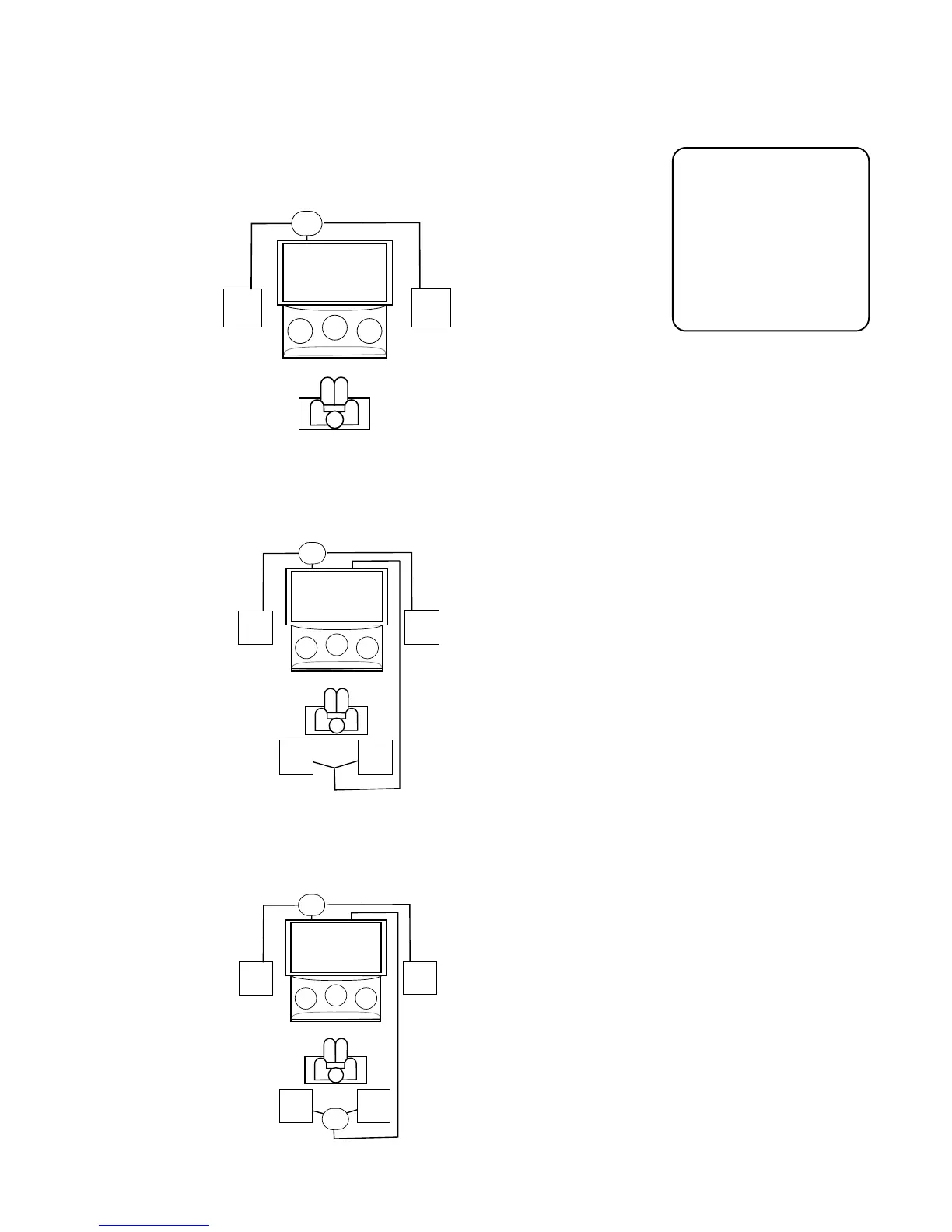
External Front w/ Amp w/TV Center Choose this option if you would like to use
external front speakers and a separate amplifier you have connected to the TV
and would also like to use the internal center speaker in the TV.
Ext. Front w/Amp & Rear w/TV Center Use this option if you would rather use
external front speakers with a separate amplifier you have connected to the TV,
rear speakers, and the internal center speaker in the TV.
Ext. Front & Rear w/ Amp w/TV Center Choose this option if you would like to
use the external front speakers with a separate amplifier, external rear speakers
with a separate amplifier as well as the internal center speaker in the TV.
When you select Sound
Check, you will hear a
burst of noise emitted
from each speaker you
have set up. The on-
screen display will show
which speaker should
be emitting the burst of
noise.
C
LEFT
RIGHT
off
off
LEFT
RIGHT
AMP
External Front w/Amp & Rear w/ TV Center
C
LEFT
RIGHT
off
off
AMP
Ext. Front w/ Amp & TV Center
C
LEFT
RIGHT
off
off
LEFT
RIGHT
AMP
AMP
Ext Front and Rear w/ Amp & TV Center



 To Next Page