Setup and Connections
8
FRONT OF THE TV
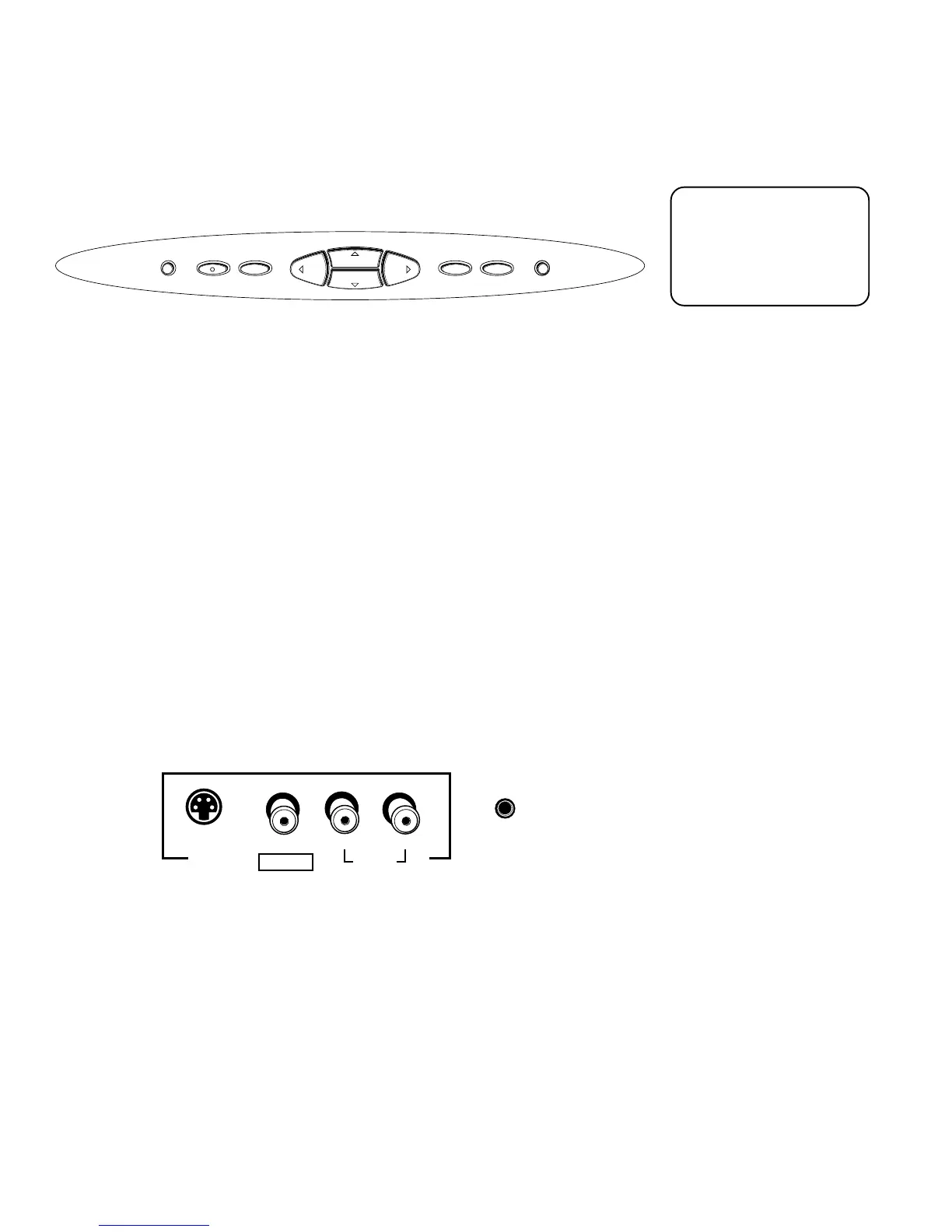
The diagrams below describe the front panel and front input jacks on the TV.
POWER Turns the TV on and off.
MENU/OK Brings up the main menu. When in the menu system, it selects
highlighted items.
VOL < Decreases the volume. When in the menu system, VOL < moves the
highlight left and adjusts menu controls.
VOL > Increases the volume. When in the menu system, VOL > moves the
highlight right and adjusts menu controls.
CH v Scrolls down through the current channel list. If you are in TV mode and
press CHv, you scroll down through TV channels. If you subscribe to DIRECTV
®
programming and are in DIRECTV mode, you scroll down through DIRECTV
channels. In the menu system, CHv moves the highlight down and adjusts menu
controls.
CH ^ Scrolls up through the channel list. If you are in TV mode and press CH^,
you scroll up through TV channels. If you subscribe to DIRECTV
®
programming and
are in DIRECTV mode, you scroll up through DIRECTV channels. In the menu
system, CH^ moves the highlight up and adjusts menu controls.
TV/DIRECTV Toggles between TV mode and DIRECTV mode.
INFO Brings up the on-screen channel banner. Press when in the program guide to
get more information on the highlighted program or channel.
INPUT 4 Lets you connect a baseband NTSC (analog) component such as a VCR,
Internet access device, game, or camcorder.
S-VIDEO Lets you connect an S-Video cable for better video quality picture to a
component with S-Video capability, such as a VCR. When using S-Video, make
sure to connect the two audio cables as well as the S-Video connector.
VIDEO Provides video connection. The video connector is usually yellow.
AUDIO L/MONO Provides left audio connection. The left audio
connector is usually white.
R AUDIO Provides right audio connection. The right audio
connector is usually red.
HEADPHONE Provides a connection for headphones.
POWER MENU/OK TV/DIRECTV INFO
VOL
CH
CH
VOL
If you cannot find your
remote control, you can
use the front panel of the
TV to operate many of
the TV’s features.
S-VIDEO VIDEO L/MONO R
AUDIO
INPUT 4
HEADPHONE



 To Next Page