TROUBLESHOOTING
PROBLEM: Light at top of remote does not blink when you
press a key.
SOLUTION: Try replacing the batteries (see page 8).
PROBLEM: Light at the top of the remote blinks when you
press a key, but the home entertainment com-
ponent does not respond.
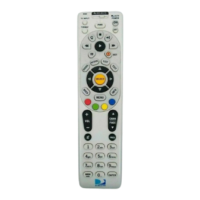
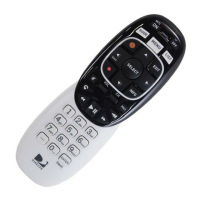
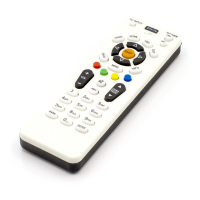
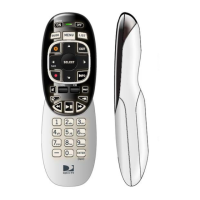
SOLUTION: Make sure you are aiming the DIRECTV®
Universal Remote Control at your home enter-
tainment component and that you are within 15
feet of the component you are trying to control.
PROBLEM: The DIRECTV Universal Remote Control does
not control home entertainment component or
commands are not recognized properly.
SOLUTION: Try all listed codes for the device brand being
set up. Make sure all home entertainment
components can be operated with an infrared
remote control.
PROBLEM: TV/VCR combo does not respond properly.
SOLUTION: Use the VCR codes for your brand. Some
combo units may require both a TV code and a
VCR code for full operation (see page 12).
PROBLEM:
CHAN
S,
CHAN
T, and
PREV
do not work for
your RCA TV.
SOLUTION: Due to RCA design (1983-1987), only the origi-
nal remote control will operate these functions.
PROBLEM: Changing channels does not work properly.
SOLUTION: If original remote control required pressing
ENTER to change channels, press ENTER on
the DIRECTV Universal remote control after
entering a channel number.
PROBLEM: Remote control does not turn on Sony or Sharp
TV/VCR Combo.
SOLUTION: For power on, these products require program-
ming TV codes on the remote control. For
Sony, use TV code 0000 and VCR code 0032.
For Sharp, use TV code 0093 and VCR code
0048.
26
DirecTV-M2081A.qxd 12/22/2004 3:45 PM Page 26


 To Next Page