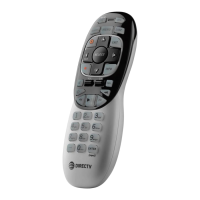
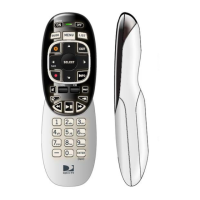
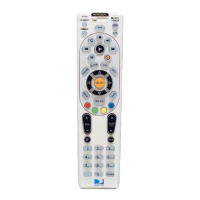
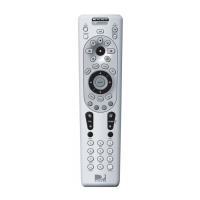
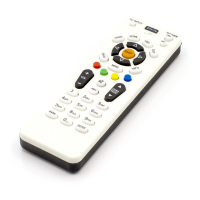
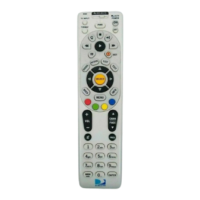
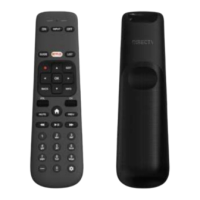
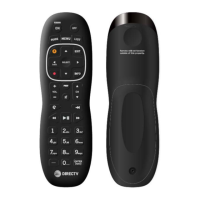
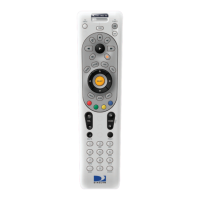
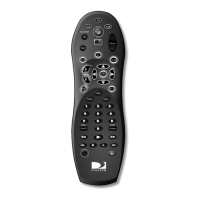
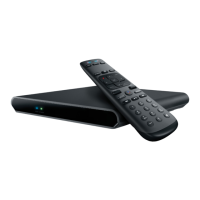
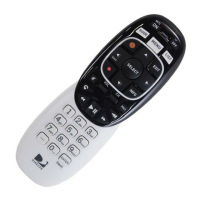
The Instruction for DirecTV RC71
Manual Pairing (Manual RF Activation)
1. Install the remote with batteries and approach it to the STB.
2. Press & Hold MUTE & ENTER keys until the green LED stop blink.
Manual UnPairing (Manual RF Deactivation)
1. Press & Hold MUTE & SELECT keys. Release the keys until the LED blinks
twice.
2. Key in 9 - 8 - 7.


 To Next Page