
 Need help?
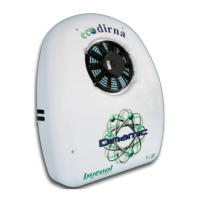
Do you have a question about the dirna Bergstrom bycool DINAMIC 1.2 and is the answer not in the manual?
Explains specific error codes and status indicators shown on the equipment display.
Instructions for powering on the unit and its default startup function.
Allows manual control of temperature and blower speed settings.
Displays the current cabin temperature inside the unit screen.
Sets automatic disconnection time for the unit, from 1 to 9 hours.
Automatically adjusts unit functions to reach the selected comfort temperature.
Enables or disables Fahrenheit temperature display and programming.
Details on unit on/off, blower speed, and temperature control via remote.
Procedure to unpair or release the remote control from the unit.
Steps to disable the remote control functionality.
Warning regarding correct polarity when connecting the unit to the battery.
 General
| Brand | dirna Bergstrom |
|---|---|
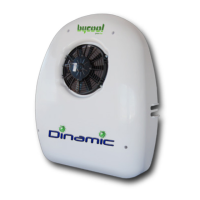
| Model | bycool DINAMIC 1.2 |
| Category | Air Conditioner |
| Language | English |


 To Next Page
