EasyManua.ls Logo

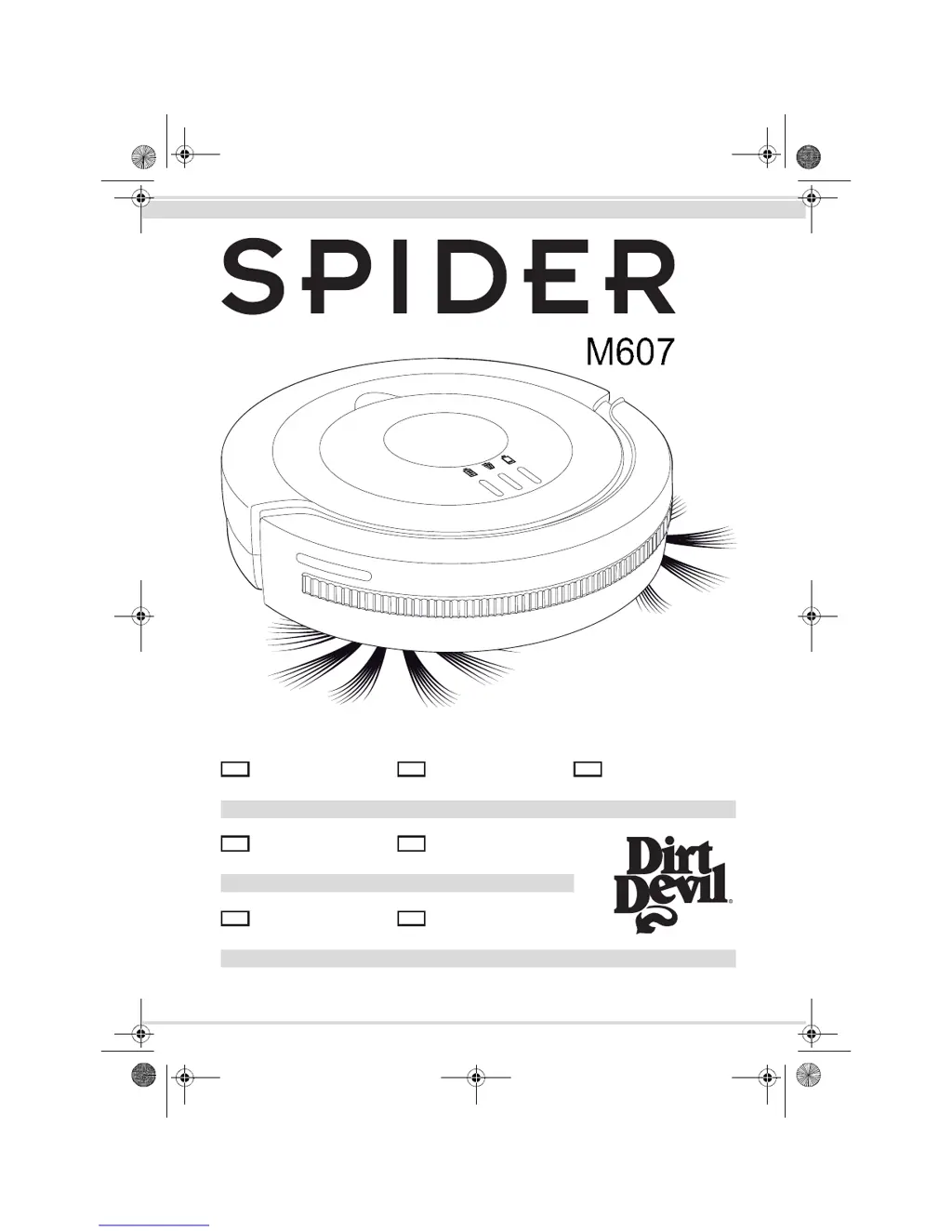
Dirt Devil Spider M607 - User Manual

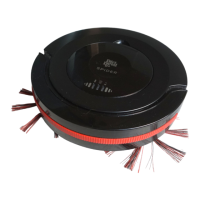
Dirt Devil Spider M607
27 pages
Print Icon
To Next Page IconTo Next Page
Loading...
Bedienungsanleitung
Saugroboter.................2-27
Operating Manual
Robot vacuum ...........28-53
Robot aspirateur
Mode d'emploi........... 54-79
Bedieningshandleiding
Zuigrobot..................80-105
Manual de instrucciones
Robot aspirador.....106-131
Robot aspirapolvere
Istruzioni per l'uso.132-157
Kullanim Klavuzu
Süpürme Robotu...158-183
Roya-25196  A5 (ohne AS)  17.06.2013







M607.book Seite 1 Dienstag, 18. Juni 2013 10:44 10

Questions and Answers

  • W
    William HendersonAug 21, 2025
    Why won't my Dirt Devil Spider M607 start?
    • X
      xriggsAug 22, 2025
      Your Dirt Devil Vacuum Cleaner might not start because of several reasons: the battery pack might be inserted incorrectly, or it could be completely empty. Also, the appliance might have been switched on during charging, or the dust container cover might not be correctly seated. Ensure the battery pack is correctly inserted and fully charged. If the appliance was on during charging, switch it off and then on again. Also, make sure the dust container cover is correctly seated.
  • T
    Tara BrownSep 4, 2025
    What to do if the cleaning indicator on my Dirt Devil Spider M607 is red?
    • S
      Sandra SharpSep 4, 2025
      If the cleaning indicator on your Dirt Devil Vacuum Cleaner is illuminated red, it means that the dust container is overfilled or the filter is clogged. To solve this, switch off the appliance and proceed as described under Chapter 8, ‘After use’.
  • J
    James MunozSep 2, 2025
    Why does my Dirt Devil Spider M607 Vacuum Cleaner stop by itself?
    • M
      Michael LeonSep 3, 2025
      Your Dirt Devil Vacuum Cleaner might stop by itself because the battery pack's capacity is too weak. To resolve this, switch off the appliance and charge the battery pack.
  • J
    Joseph DouglasSep 1, 2025
    Why is the battery indicator on my Dirt Devil Spider M607 Vacuum Cleaner illuminated red?
    • N
      nskinnerSep 1, 2025
      The battery indicator on your Dirt Devil Vacuum Cleaner might be illuminated red because: * The battery pack's capacity is too weak. Turn off the appliance and charge the battery pack. * The appliance has no ground contact. Place the appliance on the floor to start cleaning.
  • J
    Jeffrey JonesAug 30, 2025
    How to fix a round broom that has stopped turning on my Dirt Devil Spider M607?
    • P
      Peter CurryAug 31, 2025
      If the round broom on your Dirt Devil Vacuum Cleaner has stopped turning, it might be prevented from freely turning by dirt. Remove the round broom and clear any dirt from it and its receptacle, using scissors or tweezers if necessary.
  • J
    Justin FrancisAug 29, 2025
    What to do if Dirt Devil Spider M607 is stuck?
    • M
      Melissa LeeAug 29, 2025
      If your Dirt Devil Vacuum Cleaner is stuck against an obstacle, give the appliance a shove with your hand.
  • T
    tvaughanAug 27, 2025
    How to resolve Dirt Devil Vacuum Cleaner moving not in straight paths?
    • P
      psmithAug 27, 2025
      If your Dirt Devil Vacuum Cleaner does not move in straight paths in random mode, it could be that one of the wheels is being hindered from turning by dirt. Remove any dirt from the wheel, using scissors or tweezers if necessary.
  • J
    joshuamarksAug 27, 2025
    How to fix Dirt Devil Spider M607 if it will not charge?
    • S
      Sara WellsAug 27, 2025
      If your Dirt Devil Vacuum Cleaner won't charge, the AC adapter might not be plugged in properly. Check that both the plug and the AC adapter are correctly fitted in their sockets.
  • C
    cynthiakennedyAug 25, 2025
    What to do if my Dirt Devil Vacuum Cleaner stops by itself?
    • C
      Chad PearsonAug 26, 2025
      If your Dirt Devil Vacuum Cleaner stops by itself, it's likely that the battery pack's capacity is too weak. To resolve this, switch off the appliance and charge the battery pack.
  • Q
    qpeckAug 23, 2025
    What to do if my Dirt Devil Spider M607 will not start?
    • R
      Robert WilliamsAug 23, 2025
      There are several reasons why your Dirt Devil Vacuum Cleaner might not start: * The battery pack may be inserted incorrectly. Ensure it is correctly inserted. * The battery pack may be completely empty. Turn the appliance off and charge the battery pack. * The appliance may have been switched on during charging. Turn it off and then back on again. * The dust container compartment cover may have been removed while the appliance was on. Turn the appliance off and then back on again. * The dust container cover might not be correctly seated. Turn the appliance off and correctly insert the dust container compartment cover.

Summary

Functionality

Operating Principle

Explains the different cleaning modes and operational logic of the robot.

Safety Instructions

Regarding the Supplied Battery Pack

Provides safety guidelines for handling, charging, and disposing of the battery.

Prohibited Uses and Substances

Lists activities and materials that should not be used with or sucked up by the robot.

Unpacking and Assembly

Installing the Battery Pack

Detailed instructions for inserting the battery pack into the robot.

Charging the Battery Pack

Before Each Use

Operation

Cleaning Hard Floors

Step-by-step instructions for operating the robot on hard floor surfaces.

After Use

Emptying the Dustbin

Step-by-step guide on how to remove and empty the dustbin.

Cleaning the Dustbin and Filter

Instructions for washing and drying the dustbin and filter components.

Troubleshooting

If the Appliance Does Not Work Correctly

Troubleshooting guide for common issues and their solutions.

Dirt Devil Spider M607 Specifications

General IconGeneral
Bagged/BaglessBagless
CordlessYes
ColorRed
Battery TypeNiMH
Filter TypeWashable
TypeHandheld Vacuum Cleaner

Related product manuals