Intro-3
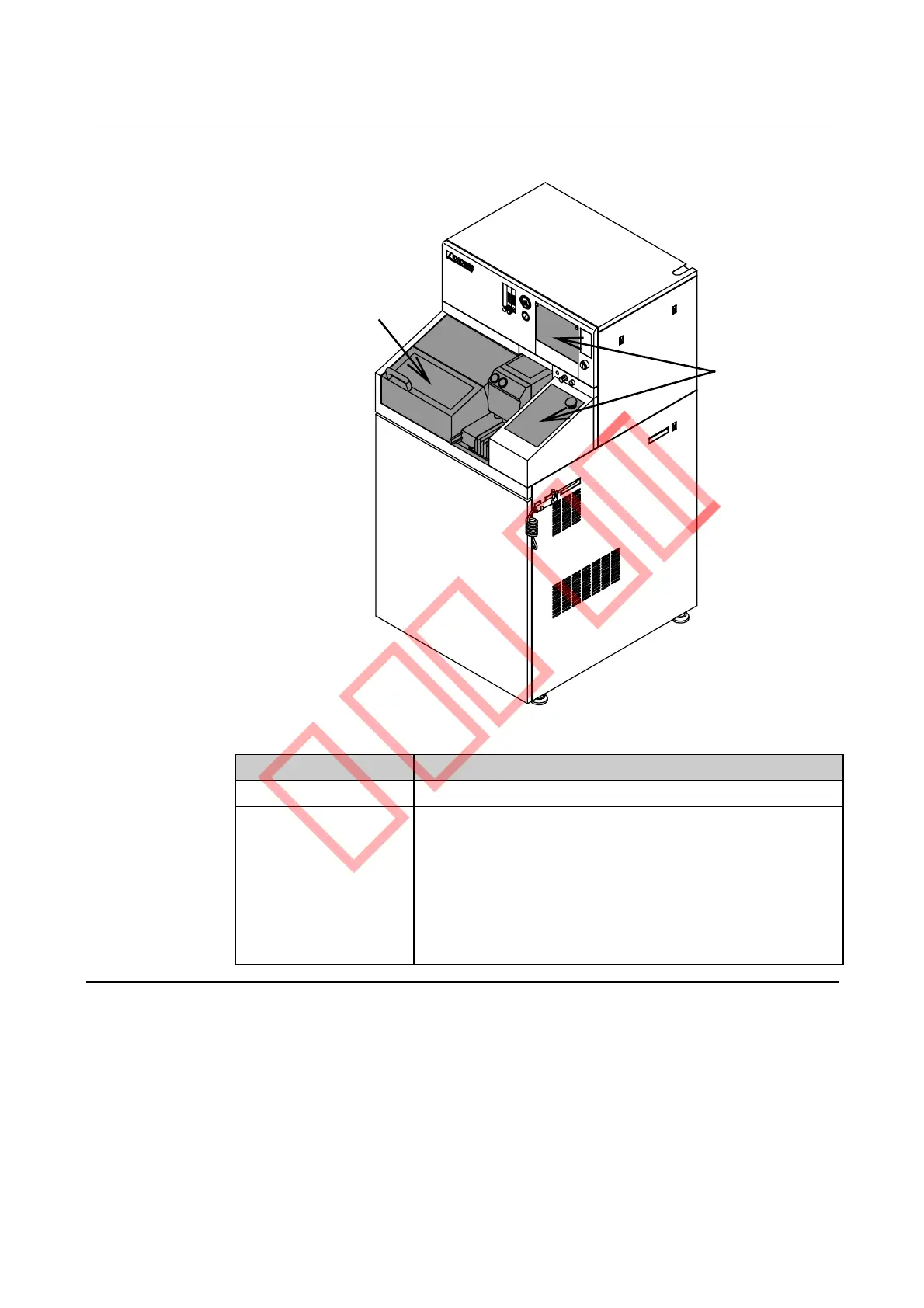
Section diagram
The diagram and table below show names and functions of each section.
Cutting section
Operating control
section
Name Function
Cutting Section Cuts workpieces.
Operating Control
Section
Keys on the operation panel are used for data entries
and operations.
Also, the monitor displays operation-related
information in accordance with operation panel
manipulation. On the DAD522 and DAD562, it also
displays microscope images. (Camera is an optional
accessory for the DAC552.)



 To Next Page