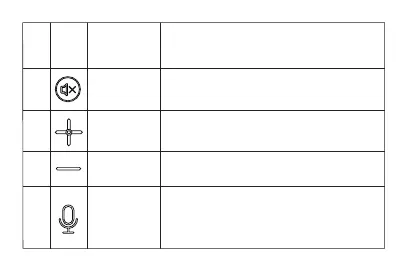
No NameIcon Function
While playing music, short press to
pause or continue to play.
Short press “+” to volume up; Long press
“+” to make it up to maximum volume.
Short press “-” to volume down; Long press
“-” to make it down to minimum volume.
While in a call, single press the button,
microphone is mute, and indicator is red;
Single press the button again to back to a
normal status, and the indicator is blue.
Mute
Volume “+”
Volume “-”
Microphone
Mute
1
2
3
4



 To Next Page