21
board.
Or
•Press the Channel button (+ or -) on your remote control or key-
board and select Go Live.
This removes the delay. You will now see the TV program as it is
currently being broadcast. Your Personal TV service will not erase
the saved program (unless you change channels) and will continue
to record the program. This will allow you to still have the ability
to rewind and pause as often as you like.
Options Panel
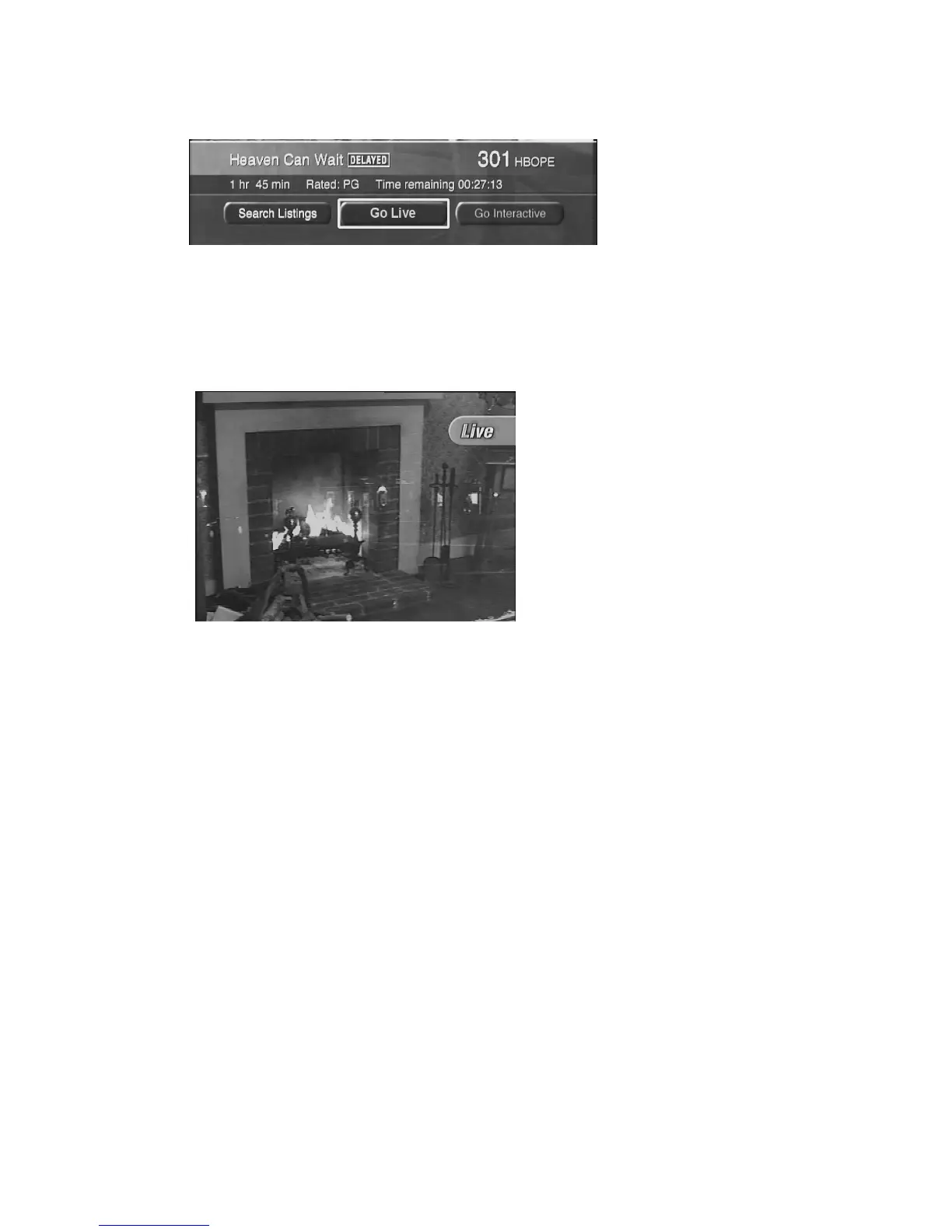
The Options panel
displays the title of
the program, the
status (i.e.
delayed), length of
the program, and
time remaining.
The Options panel appears.
Viewing Live TV
Live programming means
you are watching the chan-
nel in real time, with no
delay.



 To Next Page