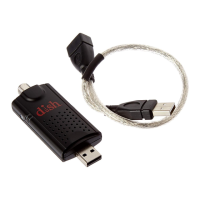
USING YOUR OTA DIGITAL DONGLE WITH YOUR HOPPER
OK
IF YOU’RE HAVING PROBLEMS CONNECTING
TO YOUR RECEIVER
1. Check the cable and connections from the OTA Digital Dongle to the antenna and to
the Hopper. Make sure that the connections are snug and seated properly.
2. Ensure that the OTA Digital Dongle is placed on a at surface. Do not let it hang from
the cabling.
CONSIDERATIONS
• The PTAT feature is not supported on OTA channels. Establish separate timers for the
shows you would like to record.
• My O-Air Favorites List is created after the OTA channel scan.
• To delete OTA channels, return to Local Channels (MENU—Settings—Diagnostics—
OTA), select the channel to be deleted, and select Delete.
SETUP AND INSTALLATION
QUICK TROUBLESHOOTING TIPS
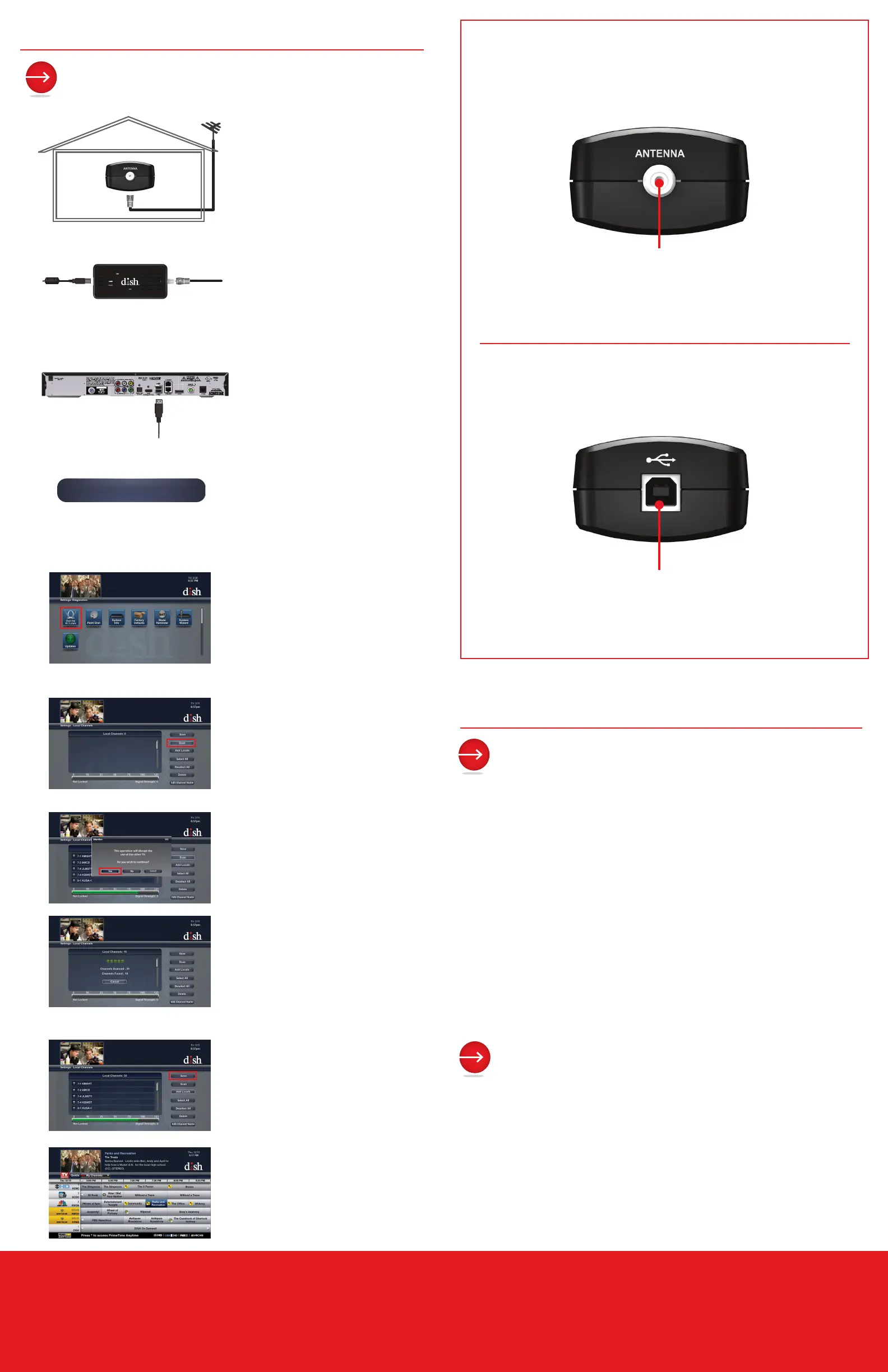
Antenna Input
Connects to the OTA
antenna through
coaxial cable
FRONT
BACK
2
3
4
5
1
Connect the TV port on the
OTA Digital Dongle to your OTA
antenna.
Connect the provided USB
cable to the USB port on the
OTA Digital Dongle. Ensure that
the OTA Digital Dongle rests on
a at surface.
Connect the other end of the
USB cable to the USB port on
the Hopper.
When the Hopper detects the
OTA Digital Dongle, it begins to
reboot and displays a message.
Select OK to continue the reboot.
Once the reboot is completed,
press MENU on the remote.
Select the Settings tile.
Select the Diagnostics tile.
Select the OTA tile.
Select Scan to scan for local
channels.
Select Yes to disrupt viewing of
the other TV(s).
Select Save when scan is
complete.
To view scanned local channels,
press VIEW LIVE TV and then
GUIDE on the remote.
The scanned local channels
appear in yellow with an OTA
designation.
6
7
8
US: 5G6MM00BID050
FCC ID: DKNTK421
LICENSED UNDER U.S.
PATENT NO. 6,233,389
125
9
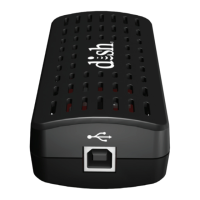
USB Input
USB cable connects to
the Hopper


 To Previous Page
 Loading...