EasyManua.ls Logo

DISH Tailgater VQ4900 - User Manual

DISH Tailgater VQ4900
32 pages
Print Icon
To Next Page IconTo Next Page
Loading...
To subscribe to programming or for assistance with using the
DISH Tailgater Pro, call 1-800-963-DISH (3474).
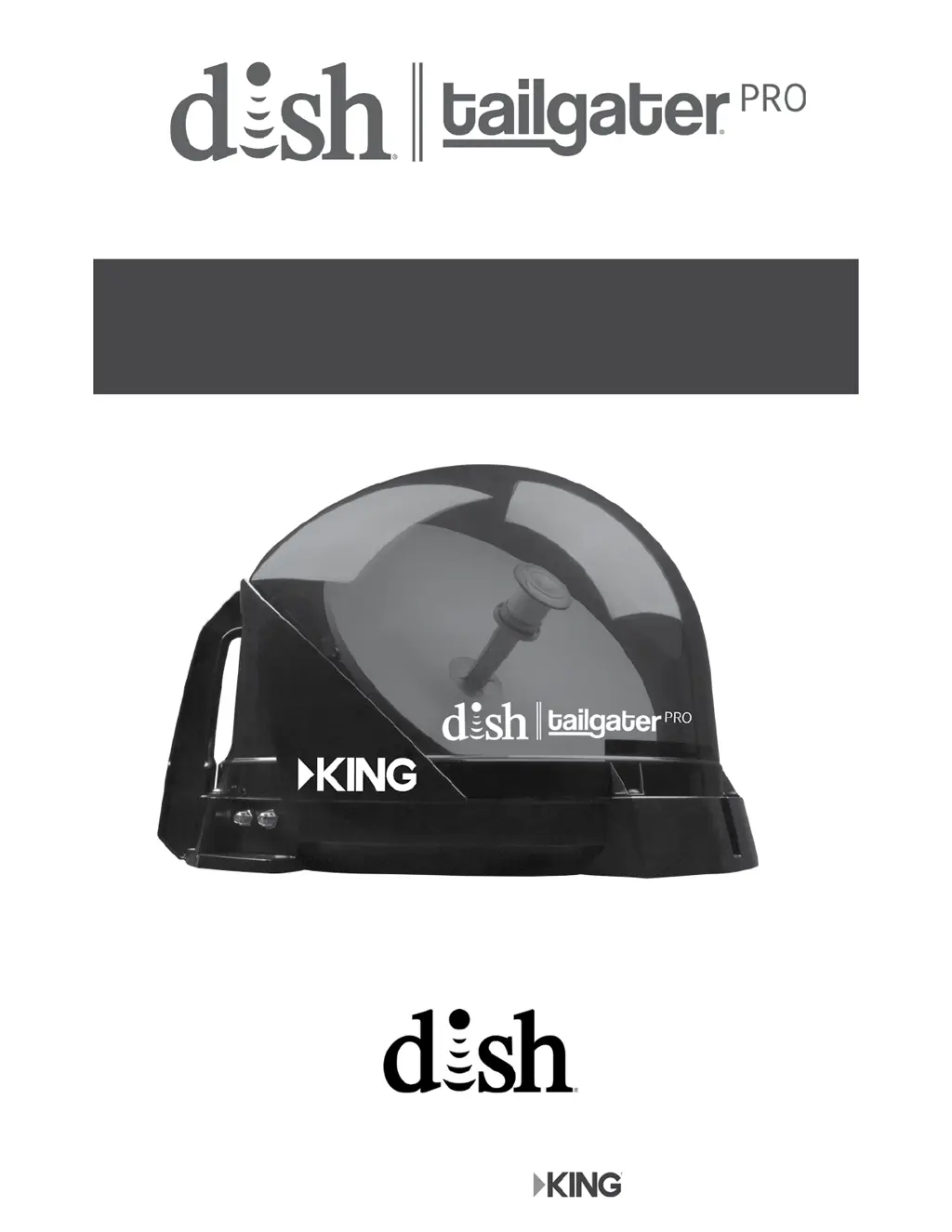
This manual contains detailed information on your DISH Tailgater Pro.
To start using your DISH Tailgater Pro right away,
see the Quick Reference Guide.
VQ4900 Owners Manual
Designed and Manufactured by
For use with ViP
®
Receivers

Questions and Answers

  • D
    Debra DixonAug 18, 2025
    What to do if I have complete signal loss (015) on my DISH Tailgater TV Antenna?
    • A
      amclaughlinAug 19, 2025
      If you are experiencing complete signal loss (error 015) with your DISH Tailgater Pro TV Antenna, ensure that there are no obstructions blocking the antenna's view of the southern sky, such as tree branches or heavy rain. Verify that the coax cable is properly connected and hand-tightened between your receiver and the DISH Tailgater Pro. Unplugging the receiver's power cord for 10 seconds, then plugging it back in, may also resolve the issue. Finally, make sure you've selected a nationally broadcast channel (like CNN or ESPN). If the DISH Tailgater Pro has been moved, initiate a new scan.
  • M
    Melinda MillerAug 21, 2025
    What to do if I have partial signal loss (002) on my DISH Tailgater TV Antenna?
    • E
      Ethan AlexanderAug 21, 2025
      If you are experiencing partial signal loss (error 002) with your DISH Tailgater Pro TV Antenna, ensure that there are no obstructions such as tree branches or severe rain blocking the antenna's view of the southern sky. Check that the coax cable between your receiver and the DISH Tailgater Pro is connected properly and hand tightened. Try changing the channels to see if you are able to view live video. Unplug the power cord of your receiver for 10 seconds and plug it back in.
  • H
    hnormanAug 23, 2025
    Why are channels missing on my DISH Tailgater TV Antenna?
    • J
      John RodriguezAug 23, 2025
      If you are missing channels on your DISH Tailgater TV Antenna, press the GUIDE button on your remote twice and select “My Channels”. You can also confirm that you subscribe to the missing channel by using dish.com/mychannels. Perform a check switch test by pressing MENU, then 6-1-1 on your DISH remote, highlighting the Check Switch Button, pressing SELECT, highlighting “Scan” and then pressing SELECT again. Unplug the power cord of your receiver for 10 seconds and plug it back in.
  • A
    Amy Nunez MDAug 26, 2025
    How to fix video pixelation or audio pops on my DISH Tailgater TV Antenna?
    • P
      patrick86Aug 26, 2025
      If you see video pixels or hear audio pops on your DISH Tailgater Pro TV Antenna, ensure there are no obstructions like tree branches or severe rain blocking the antenna's view of the southern sky. It could also mean that your receiver's signal is low. Unplug the power cord of your receiver for 10 seconds and plug it back in. Check that the coax cable between your receiver and the DISH Tailgater Pro is connected properly.
  • T
    terrydavidAug 28, 2025
    Why is my DISH Tailgater TV Antenna remote not working?
    • L
      Laura AbbottAug 28, 2025
      If your DISH Tailgater Pro TV Antenna remote is not working, first check that the batteries are properly inserted. If the SAT button on top of the remote does not light up when you press it, replace the batteries. To set up your remote control: * Press the “SYSTEM INFO” button on the front panel of your receiver. * Press and release the SAT button on your remote control. * Press and release the RECORD button. You may see the remote address change on the screen. * Press and release the SELECT button on your remote to continue.
  • A
    anna31Aug 30, 2025
    What to do if my DISH Tailgater TV Antenna says 'No Satellites Found - 151'?
    • J
      Jessica ArroyoAug 30, 2025
      If your DISH Tailgater Pro TV Antenna displays 'No Satellites Found - 151', ensure there are no obstructions like tree branches or severe rain blocking the antenna's view of the southern sky. Also, check that the coax cable is properly connected and hand tightened between your receiver and the DISH Tailgater Pro. Unplug the power cord of your receiver for 10 seconds and plug it back in.
  • R
    Roberta CarlsonSep 1, 2025
    What to do if my DISH Tailgater TV Antenna says 'All Satellites Not Found - 150'?
    • L
      Lisa DavisSep 1, 2025
      If your DISH Tailgater Pro TV Antenna displays 'All Satellites Not Found - 150', ensure that there are no obstructions blocking the antenna's view of the southern sky, such as tree branches or severe rain. Your physical location may be outside the footprint of the desired orbital slot. Unplug the power cord of your receiver for 10 seconds and plug it back in.
  • C
    Christopher ShepardSep 3, 2025
    What to do if I have channel signal loss (004) on my DISH Tailgater TV Antenna?
    • D
      Daniel CuevasSep 4, 2025
      If you are experiencing channel signal loss (error 004) with your DISH Tailgater Pro TV Antenna, unplug the power cord of your receiver for 10 seconds and plug it back in. On the Mobile Antenna Setup Screen, verify the correct state is selected, highlight “Scan” then press SELECT. Once your system has found its satellites, it may take a few minutes to download the electronic program guide and acquire signal before live TV appears.
  • S
    Susan SandersSep 6, 2025
    What does 'Programming Not Authorized - 005/013/014' mean on my DISH Tailgater TV Antenna?
    • K
      Kathy CherrySep 6, 2025
      If your DISH Tailgater Pro TV Antenna displays 'Programming Not Authorized - 005/013/014', you may not be subscribed to the channels you are trying to view, or your receiver has been unplugged or not connected to signal for a significant period of time. Confirm that you subscribe to this channel by using dish.com/mychannels. Unplug the power cord of your receiver for 10 seconds and plug it back in. Call 800-333-DISH (3474), select TECH and then mention you need RV Tech Support. When prompted by the audio menu, enter the error number using your phone keypad and an activation command will be sent to your receiver.
  • A
    Anthony SmithSep 8, 2025
    What does 'No Program Guide - 023' mean on my DISH Tailgater TV Antenna?
    • H
      Heather BradySep 8, 2025
      If your DISH Tailgater Pro TV Antenna shows 'No Program Guide - 023', it means your receiver has not yet acquired the signal required to access the electronic program guide. To resolve this, unplug the power cord of your receiver for 10 seconds and plug it back in. On the Mobile Antenna Setup Screen, verify the correct state is selected, highlight “Scan” then press SELECT. Once your system has found its satellites, it may take a few minutes to download the electronic program guide and acquire signal before live TV appears.

Summary

Introduction and Safety

Introduction

Overview of the DISH Tailgater Pro Portable HDTV System.

Safety Instructions

Crucial safety guidelines to follow when using the DISH Tailgater Pro.

Package Contents

Details the items included in the DISH Tailgater Pro package.

Initial Setup

Antenna Setup Steps

Guidance on applying rubber feet and understanding signal considerations.

Receiver Connection

Steps to connect the DISH receiver to your television and understand satellite reception.

DISH Tailgater Pro Setup

Step-by-step guide for setting up the DISH Tailgater Pro.

New Receiver Operation

Remote and Initial Scan

Steps to program the remote and perform the initial portable antenna scan.

Software, Signal, and Activation

Covers software download, signal acquisition, and receiver activation.

Program Guide Download

Details the electronic program guide download after activation.

Standard Operation

Standard Operation Guide

Instructions for operating the DISH Tailgater Pro after initial setup.

Signal Acquisition and Updates

Covers signal acquisition and program guide updates during standard operation.

Operating Notes

Important notes regarding DISH Tailgater Pro operation and maintenance.

Second Receiver

Setup and Programming

Steps for setting up a second receiver and downloading programming.

Maintenance and Installation

Equipment Care and Security

Guidelines for maintaining, caring for, and securing the DISH Tailgater Pro.

Accessories

Lists and describes available accessories for the DISH Tailgater Pro.

Roof Installation

Detailed instructions for installing the DISH Tailgater Pro on a vehicle roof.

Antenna Unit Location

Guidance on selecting the optimal location for antenna unit roof mounting.

Troubleshooting

Receiver Display and Signal Issues

Solves issues like receiver display errors and complete signal loss.

Satellite and Remote Problems

Addresses finding satellites, remote control issues, and channel signal loss.

Program Guide and Local Channel Issues

Resolves program guide unavailability and local channel problems.

System Errors and Programming

Addresses system errors, video/audio issues, and programming authorization.

Warranty and Compliance

Manufacturers Warranty

Details the terms and conditions of the product's limited warranty.

FCC Guidelines

Information regarding FCC compliance and potential interference.

DISH Tailgater VQ4900 Specifications

General IconGeneral
TypePortable Satellite Antenna
Satellite AcquisitionAutomatic
PortabilityYes
Auto-Satellite FindingYes
CompatibilityDISH Network
Receiver CompatibilityDISH HD Solo receivers
Frequency RangeKu band
Weather ResistanceYes
Supported SatellitesDISH 110, 119, 129 satellites
Power SourcePowered by the connected receiver