6.
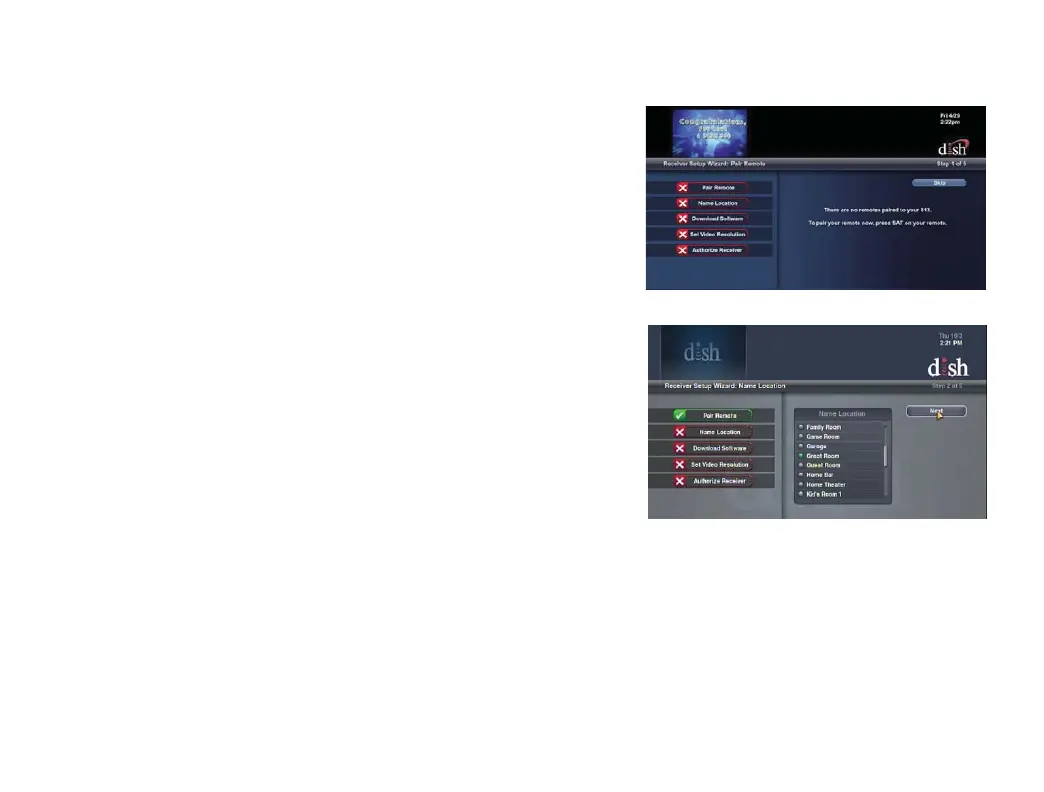
Pairing Your Remote Control & Setting Your Hopper Location
a.
Press the SAT button on your remote
control to pair it to your Hopper.
b.
Using the arrows on your remote control,
scroll to the location where your Hopper is
located and press SELECT on your remote
control. Then, highlight "Next" and press
SELECT on your remote control.


 To Next Page