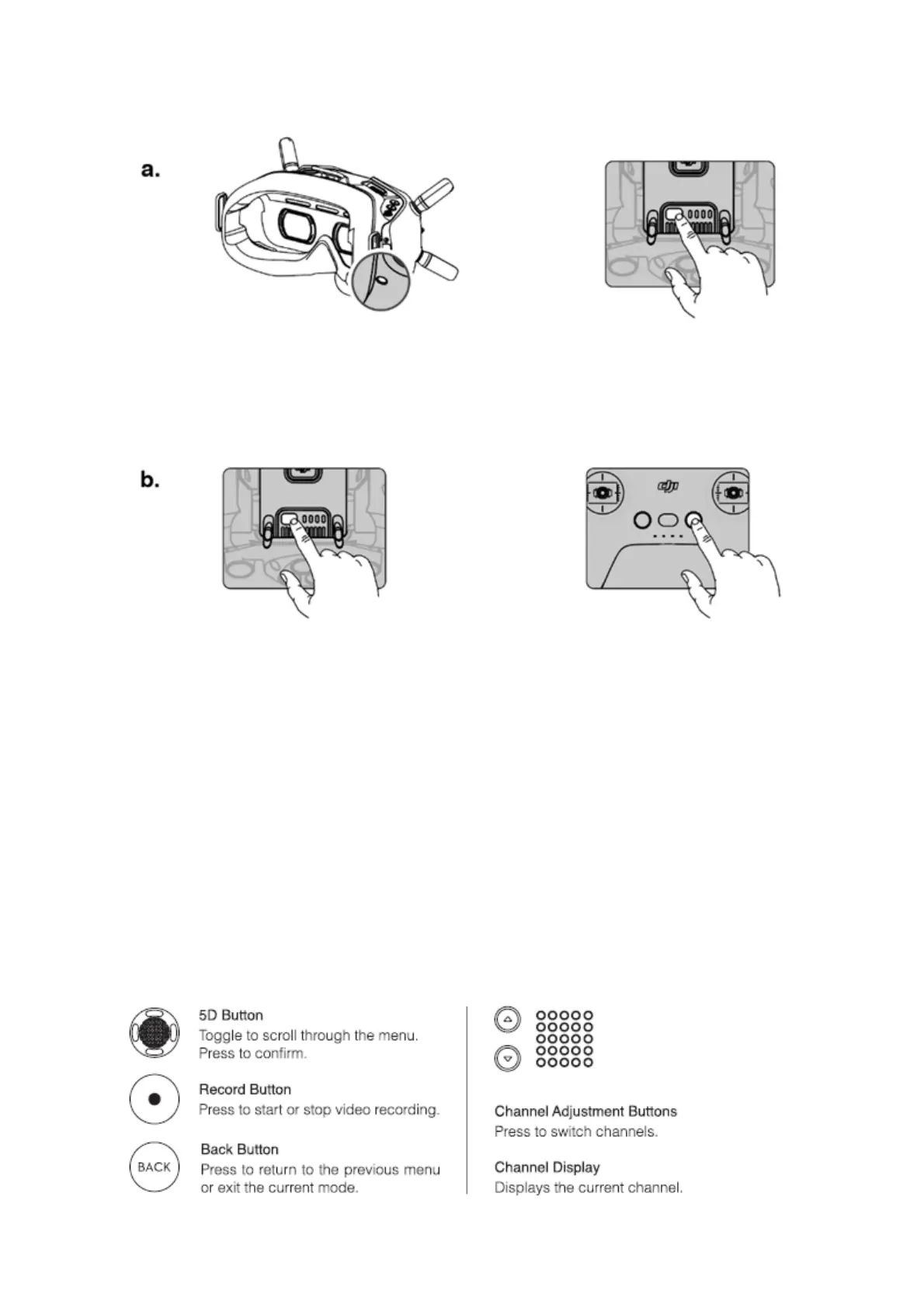
1) Pr
essthelinkbuttononthegoggles.
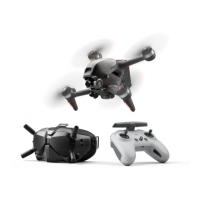
2) Pressandholdthepowerbuttonoftheaircraft.
3) Thebatterylevelindicatoroftheaircraftturnssolidanddisplaythebatterylevel,thegoggles
stopbeepingwhensuccessfullylinkedandthevideodisplayisnormal.
1) Pressandholdthepo
werbuttonoftheaircraft.
2) Pressandholdthepowerbuttonoftheremotecontroller.
3) Boththebatterylevelindicatorsturnsolidanddisplaythebatterylevel,andtheremote
controllerstopbeepingwhensuccessfullylinked.
* Whenreadytolink,thedeviceswillgivethefollowingindication:
Aircraft:theb
atterylevelindicatorblinksinsequence
Goggles:thegogglesbeepcontinually
Remotecontroller:theremotecontrollerbeepscontinuallyandthebatterylevelindicatorblinksin
sequence
Controls
Goggles


 To Next Page