EasyManua.ls Logo

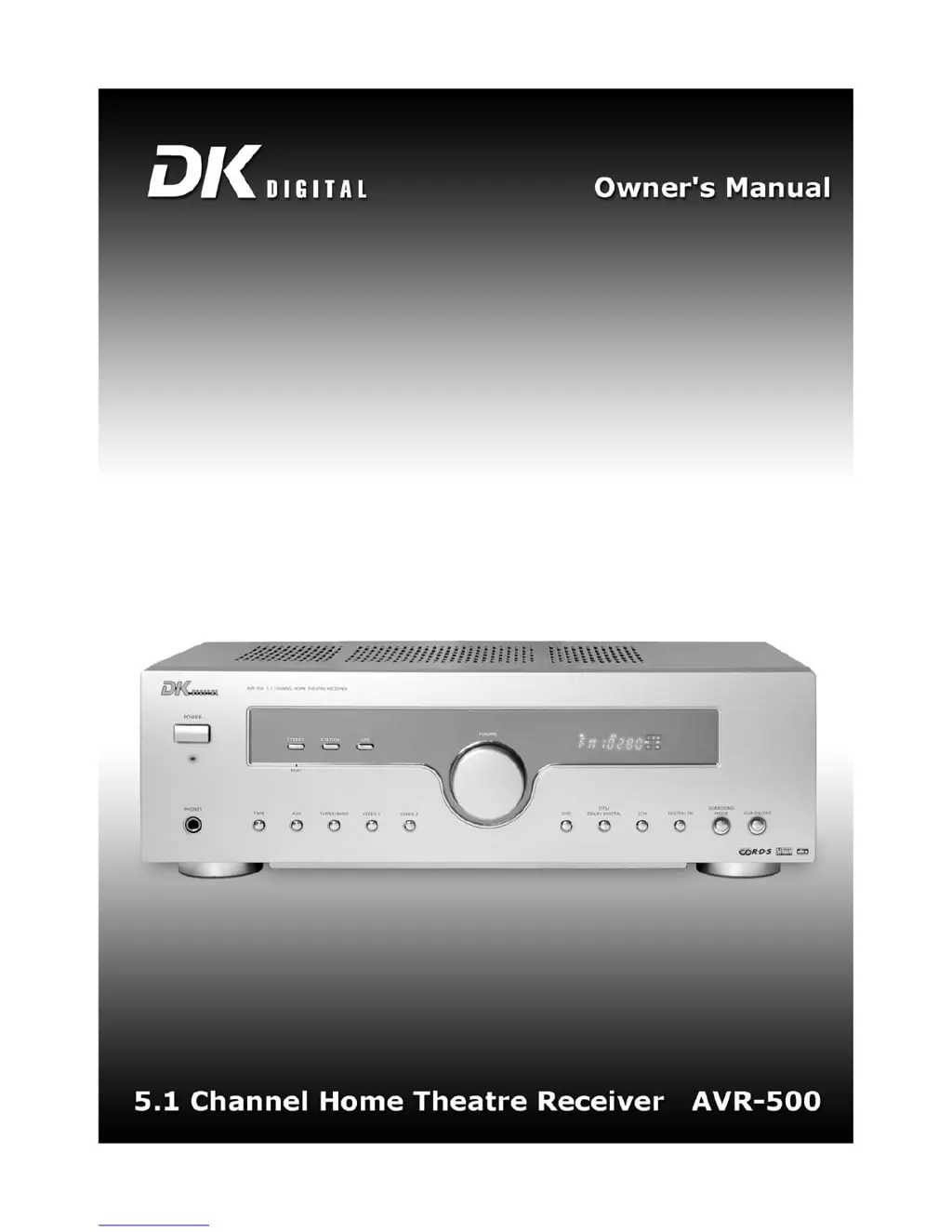
DK Digital AVR-500 - User Manual

DK Digital AVR-500
28 pages
Print Icon
To Next Page IconTo Next Page
Loading...
3

Questions and Answers

  • T
    Taylor GuerreroAug 13, 2025
    Why is there much noise, low volume, or distortion during radio reception with my DK Digital AVR-500 Receiver?
    • J
      jfrankAug 13, 2025
      If you are experiencing significant noise, low volume, or distortion when using the radio function, the station's reception strength might be too weak. Try switching to mono to reduce the noise. Also, reposition the antenna, or consider using an outside antenna.
  • M
    Mark SmithAug 17, 2025
    What to do if the remote control is not working with my DK Digital Receiver?
    • R
      Rebecca HooverAug 17, 2025
      If the remote control isn't working, first check that the batteries are inserted with the correct polarity (+/-). If they are old, replace them with new ones. Ensure that you are pointing the remote control directly at the device and that you are within 6 meters of it. Also, make sure there are no large objects blocking the path between the remote control and the device.
  • C
    catherinethomasAug 21, 2025
    Why are not all speakers working with my DK Digital AVR-500 Receiver?
    • S
      Stacy MillsAug 21, 2025
      If some of your speakers aren't working, first ensure that all audio connections are securely connected. Additionally, check the balance settings, as an incorrect setting may be the cause.
  • J
    jeremiahrobertsonAug 25, 2025
    What to do if the surround speakers don't work on my DK Digital AVR-500?
    • K
      klopezAug 25, 2025
      If your surround speakers aren't working, first ensure that the surround function is enabled. If a stereo or non-surround audio source is being used, the surround speakers will not function. Verify the audio and speaker lines are correctly connected.
  • C
    cynthia48Aug 28, 2025
    What to do if the front speakers are interchanged on my DK Digital AVR-500 Receiver?
    • E
      escobarbonnieAug 28, 2025
      If the front speakers' right and left channels are interchanged in stereo operation, double-check the speaker cabling according to the manual.
  • R
    Rodney AllenSep 1, 2025
    Why does my DK Digital AVR-500 have weak bases?
    • E
      evansscottSep 1, 2025
      If you are experiencing weak bases, the polarity of the speaker connections might be incorrect, so please check the connections. Also, the tone control could be detrimental in radio operation, so please correct that.
  • D
    Dawn GarrisonSep 5, 2025
    What causes low-frequency humming or sizzling with my DK Digital Receiver?
    • J
      Joann GutierrezSep 5, 2025
      If you hear low-frequency humming or sizzling, it could be due to the speaker cables running parallel to the power cord or near another source of interference, causing electromagnetic interference. Reroute the speaker cables to avoid these interferences.
  • B
    bbraunSep 8, 2025
    When does the center speaker work on my DK Digital Receiver?
    • C
      Christina RiddleSep 8, 2025
      The center speaker is only active in DOLBY DIGITAL, DTS, or DOLBY PRO LOGIC modes. Switch the surround mode to one of these options.

Summary

Important Safety Notes

Setup and Initial Preparation

Front Panel Controls Overview

Rear Panel Connections

Remote Control Operation

Antenna Connection Guide

FM Antenna Setup

Guidance for connecting the FM projection antenna.

Speaker Connection Guide

Speaker Placement for Surround Sound

Basic Operation

Powering On and Off

Procedures for powering the device on and off.

Volume and Mute Control

How to adjust volume and mute the audio output.

Source and Mode Selection

Choosing input sources and operational modes.

Available Surround Sound Modes

DTS Digital Surround Mode

Using DTS mode for 5.1 channel surround sound.

Dolby Digital Surround Mode

Using Dolby Digital mode for 5.1 channel surround sound.

Radio Operation Features

Channel Tuning Procedures

Procedures for tuning FM/AM radio stations.

Storing Radio Presets

How to save preferred radio stations.

Advanced Radio Functions

Device Reset Procedure

Factory reset procedure for the device.

Troubleshooting Common Issues

Technical Specifications

DK Digital AVR-500 Specifications

General IconGeneral
BrandDK Digital
ModelAVR-500
CategoryReceiver
LanguageEnglish

Related product manuals