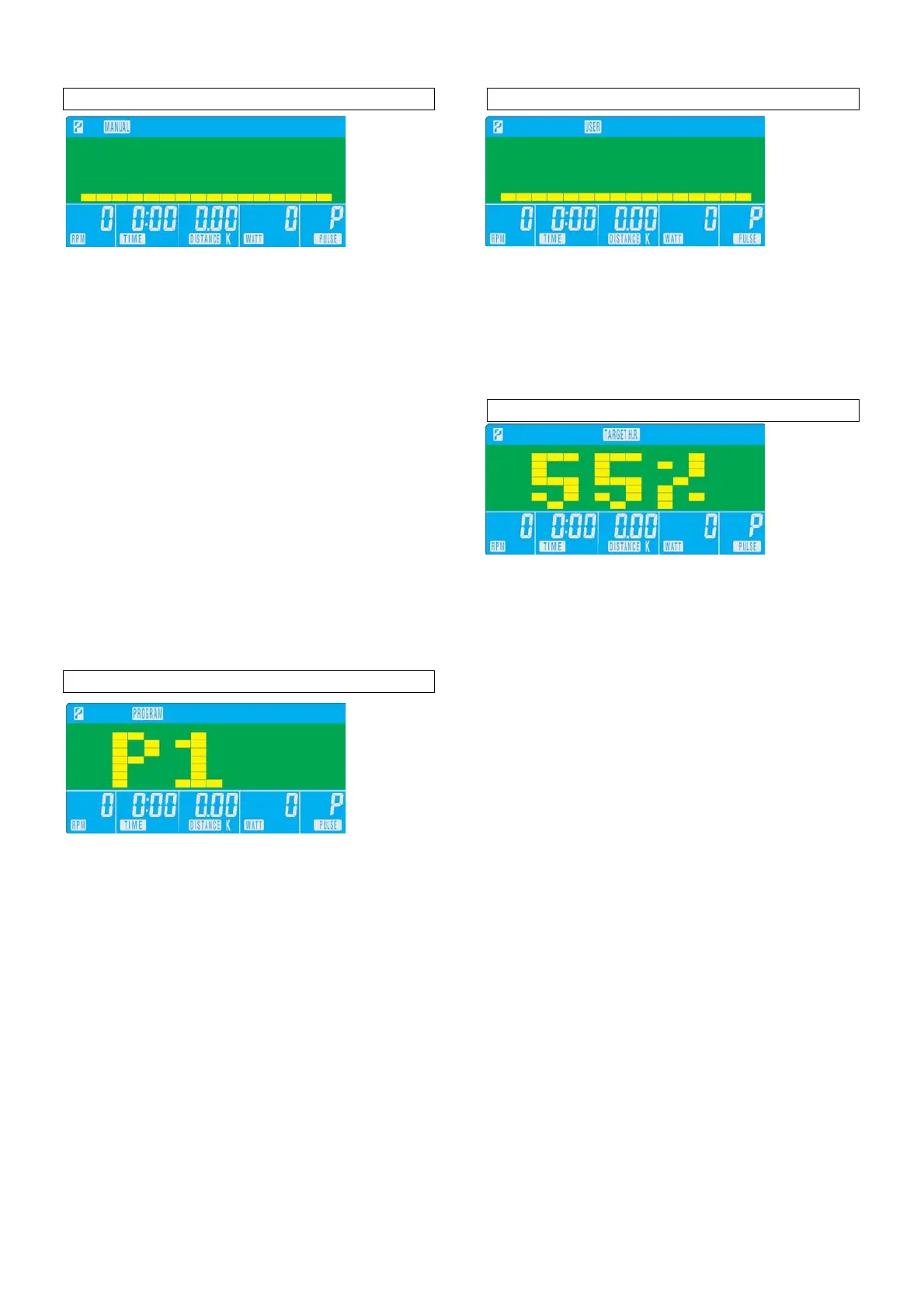
Training in MANUAL mode
• Select “MANUAL”, use up/down to adjust the
load level (this ergometer offers 16 levels),
confirm selection by pressing “MODE”.
• “TIME” flashes: use up/down to set exercise time,
confirm selection by pressing “MODE”. If you
donot intend setting exercise time, simply press
“MODE”.
• “DISTANCE” flashes: use up/down to set
distance, confirm selection by pressing “MODE”.
If you donot intend setting exercise distance,
simply press “MODE”.
• “CALORIES” flashes: use up/down to set calorie
consumption, confirm selection by pressing
“MODE”. If you donot intend setting calorie
consumption, simply press “MODE”.
• “PULSE” flashes: use up/down to set maximum
heart rate, confirm selection by pressing
“MODE”. If you donot intend setting a heart rate
level, simply press “MODE”, the monitor will
display current heart rate value.
• Start exercising by pressing the “ST/STOP”
button.
Training in PROGRAM mode
• Select “PROGRAM”, use to select profile 1 to
12, confirm selection by pressing “MODE”.
• Press “MODE” again, and set target value for
‘TIME”. Follow the procedure as described above
in manual mode.
• If you donot intend setting any target value, start
exercising by pressing the “ST/STOP” button.
Training in USER mode
• Select “USER”, use up/down to set up your own
profile (this ergometer offers 16 load levels and
20 load segments).
• In each segment confirm your loadsettings by
pressing “MODE”.
• Start exercising by pressing the “ST/STOP”
button.
Training in TARGET H.R. mode
•
Select “TARGET H.R.”, use up/down to enter
your age.
• Press “MODE”, “55%” is flashing. Use up/down
to select 55, 75, 90 or THR. Confirm your
selection by pressing “MODE”.
• If you selected 55, 75 or 90%, “TIME” is flashing:
follow the procedure as described above in
manual mode for presetting target values.
• If you selected THR, “100” is flashing: use
up/down to set target heart rate.
• Confirm your selection by pressing “MODE”.
• Start exercising by pressing the “ST/STOP”
button.
• Upon entering rate in Bpm (Beats per minute) the
load tension will be controlled by current heart
rate. The resistance will be auto-adjusted
according to current heart rate figure. If your
heart rate figure is under the target pulse, the
tension will be up-adjusted one level every 30
seconds, up to the maximum level 16. As soon
as your heart rate figure has achieved the target
pulse, tension will be down adjusted one level
immediately. In case of overspec the level will be
down adjusted one level immediately, and keep
down-adjusting each 15 seconds until your heart
rate figure has achieved the target pulse.


 To Next Page
 Loading...