Watt:
Displays power value function by pressing the MODE
button (marking – flashes in “WATT” LCD window.)
Pulse:
Hold firmly both sensors on the handgrip (please
wipe sensors and hands before starting measuring
your pulse) or apply optional chest strap (moisten
slightly the contacts of the strap). Your current heart
rate will be displayed within 30 seconds up to one
minute. A stable figure requires to hold both sensors
firmly.
Your computer is compatible with the optional
chest transmitter (ref 20073), for integrated
wireless heart rate registration.
Function value range
Functions Display Range Preset Range
Speed 0.0 - 99.9 km/h None
RPM 0.0 - 999 rpm None
Time 00.00 - 99.59 min 01.00 - 99.00 min
Distance 0.00 - 99.99 km 0.5 - 99.50 km
Watt 0 - 999 watts 10 - 350 watts
Calories 0 - 9999 cal 0 - 9999 cal
Pulse 30 - 240 bpm 30 - 240 bpm
Recovery F1 - F6 None
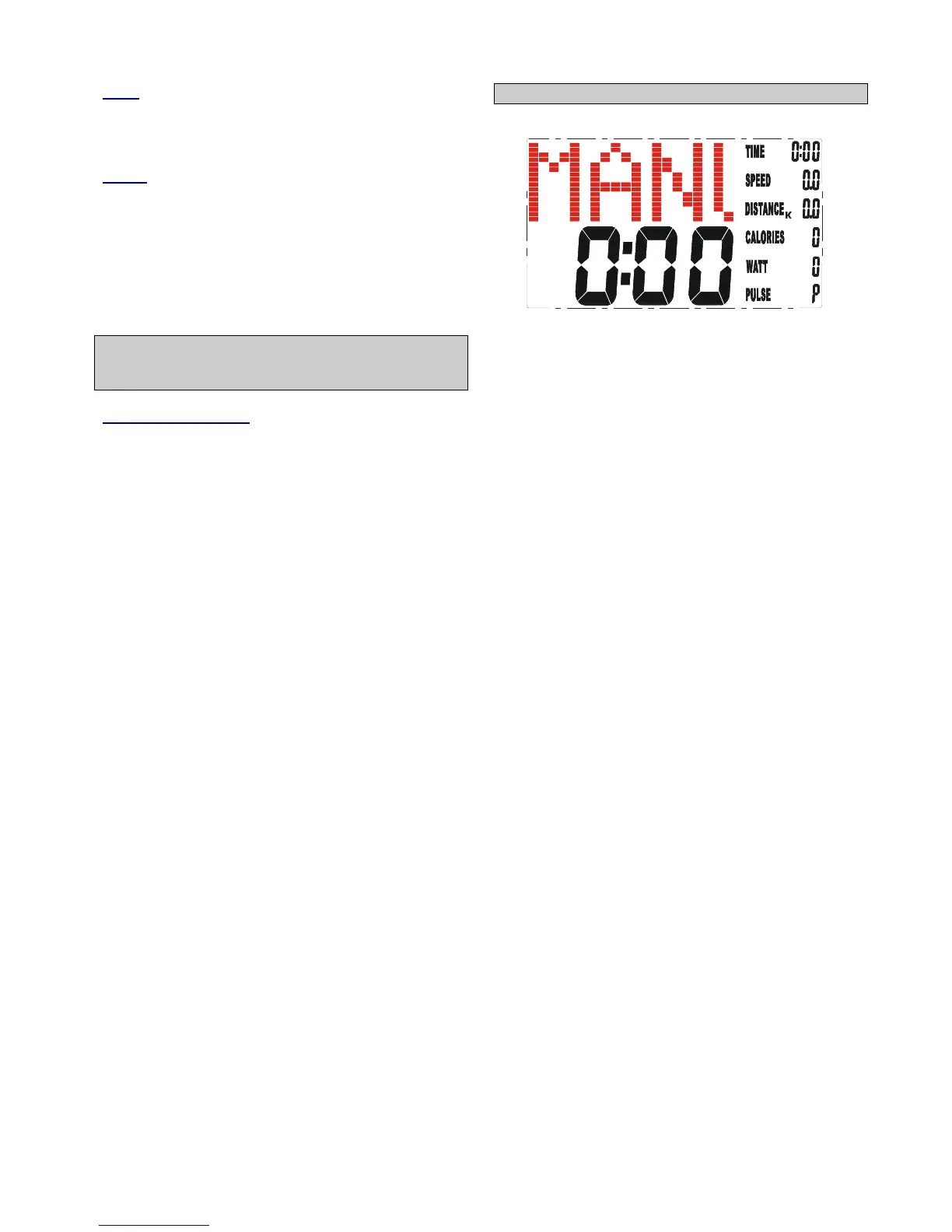
Training in MANUAL mode
• Select “MANUAL”, use “UP”and“DOWN” button
to adjust the load level (this ergometer offers 16
levels), confirm selection by pressing “MODE”.
• “TIME” flashes: use “UP”and“DOWN” button to
set exercise time, confirm selection by pressing
“ENTER”. If you donot intend setting exercise
time, simply press “ MODE”.
• “DISTANCE” flashes: use “UP”and“DOWN”
button to set distance, confirm selection by
pressing “MODE”. If you donot intend setting
exercise distance, simply press “MODE”.
• “CALORIES” flashes: use “UP”and“DOWN”
button to set calorie consumption, confirm
selection by pressing “MODE”. If you donot
intend setting calorie consumption, simply press
“MODE”.
• “PULSE” flashes: use “UP”and“DOWN” button to
set maximum heart rate, confirm selection by
pressing “MODE”. If you donot intend setting a
heart rate level, simply press “MODE”, the
monitor will display current heart rate value.
• Start exercising by pressing the “ST/STOP”
button.


 To Next Page
 Loading...