Parameter: See Annex X
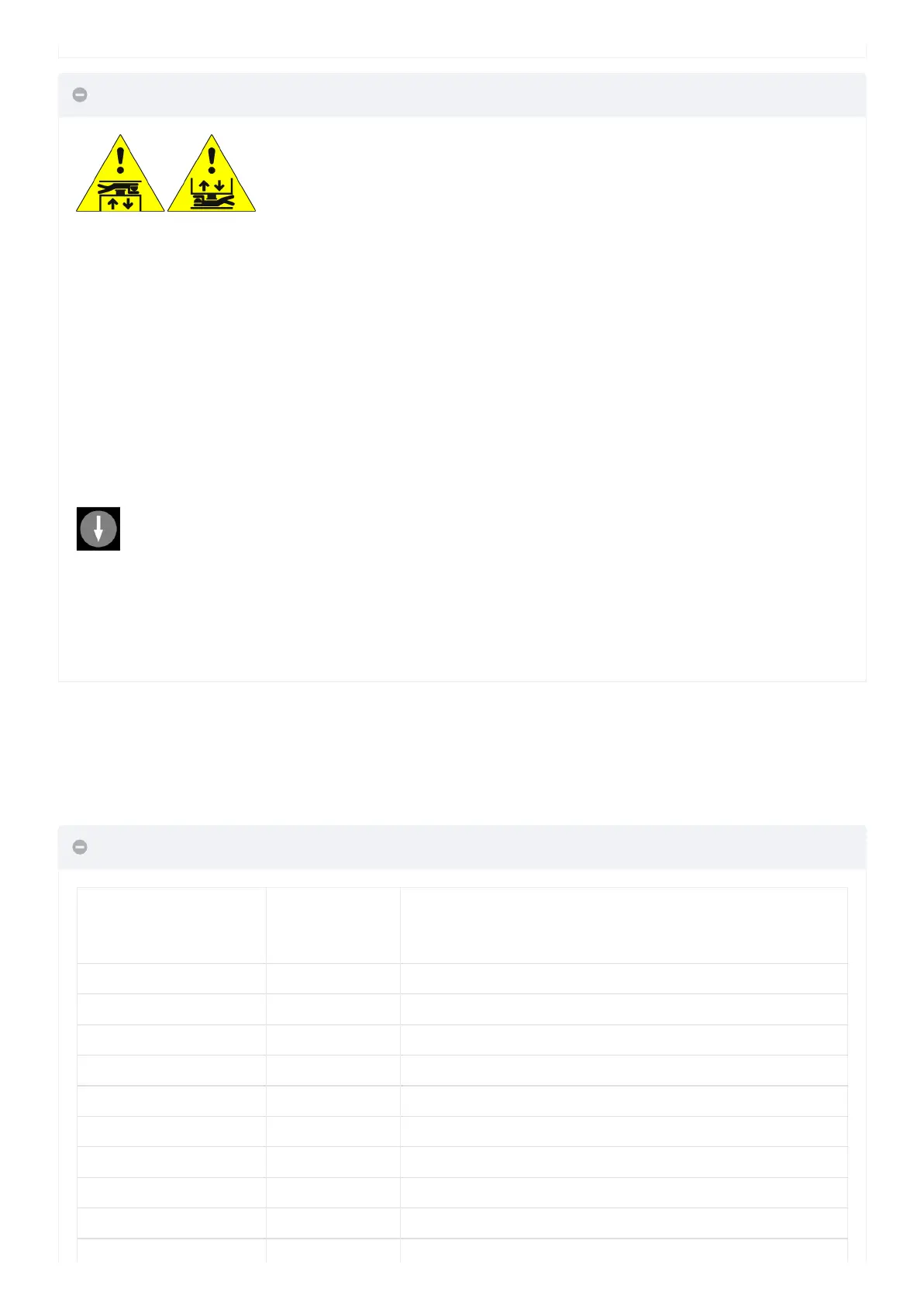
Access in the Pit or Access on the Car roof
ccess to the shaft is detected by opening a contact using the release key which activates the RSP fault (code 21),
preventing the elevator car from moving in normal operation (a run is only possible in ‘Inspection’ mode). Before
entering the lift shaft, wait for the traffic light to indicate the safe condition (green light).
After the end of the Inspection manoeuvre the personnel must:
• Remove the protections (in case of manual protections), Return the selector switch and any STOP buttons to
‘Normal’ and exit from the lift well.
• Close the landing doors (check the safety chain) and carry out the reset using one of the following methods:
– From floor with three quick opening / closing of the release key.
– From the panel with three quick presses of button.
– From the PlayPad with specific reset (RSP reset).
Characteristics of the auxiliary contact on all doors:
• Monostable NC contact (does not open during normal door operation).
Key are electrically connected in series to the screw terminal of the controller.
LIFT CONTROL BOARD
DMG S.p.A.
Language?
French, English, Portuguese, Italian, Russian, German, Dutch
ENTER: confirm / ESC: exit
▲ ▼ ▲
Code? ** Password ** ----- ENTER ----> System Status
▲ ▼
Faults
▲ ▼
I/O Status
▲ ▼
Configuration
▲ ▼


 To Next Page
 Loading...