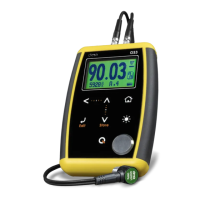
6 Chapter 1
The has three functions:
1. When the unit is off, touch for 2 seconds to power on
the unit.
2. When the unit is on, touch for 2 seconds to shutdown
the unit.
3. With the unit on, making short touches to the will
activate special functions described in each chapter of this
manual.
Backlight illumination and contrast options can be changed from any
screen in the unit.
Touch to change the backlight illumination.
Figure 1.6: Backlight illumination options


 To Next Page
 Loading...