Chapter 1 7
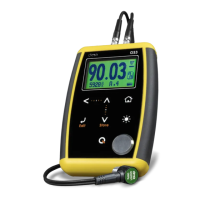
When you touch the white dot located in the
center of the vertical scrolling bar between the
- keys a contrast window will open.
Move your finger towards the top and or bottom
of the dotted line to adjust the contrast on your
display.
Figure 1.7: Display contrast adjustment
To lock the keypad place your finger on the white dot located in the
center of the horizontal scrolling bar between the - keys.
Move your finger to the right following the dotted line and a window
on the unit display will open with the word Lock. Continue moving
your finger in the same direction until you enter locked mode. The
window on the display will close and the locked keypad indicator will
show on the top right corner of the unit screen.
Figure 1.8: Locking the keypad


 To Next Page
 Loading...