Chapter 1 9
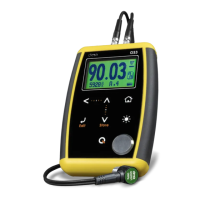
The QS3 measuring screen is represented below:
Figure 2.1: Measuring screen
1. Icon indicating that a value was stored
2. Locked keypad icon indicator (Page 7)
3. Inactive calibration disk indicator (Page 12)
4. Coupling indicator
5. Measuring unit
6. Battery level indicator
7. Minimum measured value (set to zero touching )
8. Thickness value in the selected unit
9. Material velocity


 To Next Page
 Loading...