10 Chapter 2
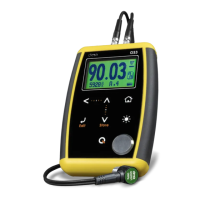
Keypad functionality:
: Touch to exit the measuring screen and enter the main menu.
: Touch to manually store the measurement in the memory.
: Touch to activate the Select / Edit mode. Flashing arrows will
appear over the fields of material velocity and measurement.
Touch to select thickness
measurement.
Touch to select material
velocity.
Figure 2.2: Measuring screen in select / edit mode
Always use the - keys to edit the values in any given field and
touch to save.
The measurement field can only be edited if an actual
measurement was taken. If the measurement is 0.00 this
field cannot be edited.


 To Next Page
 Loading...