3
INTRODUCTION
INTRODUCTION
INTRODUCTION
INTRODUCTION
TOP
TOP
TOP
TOP PANEL
PANEL
PANEL
PANEL
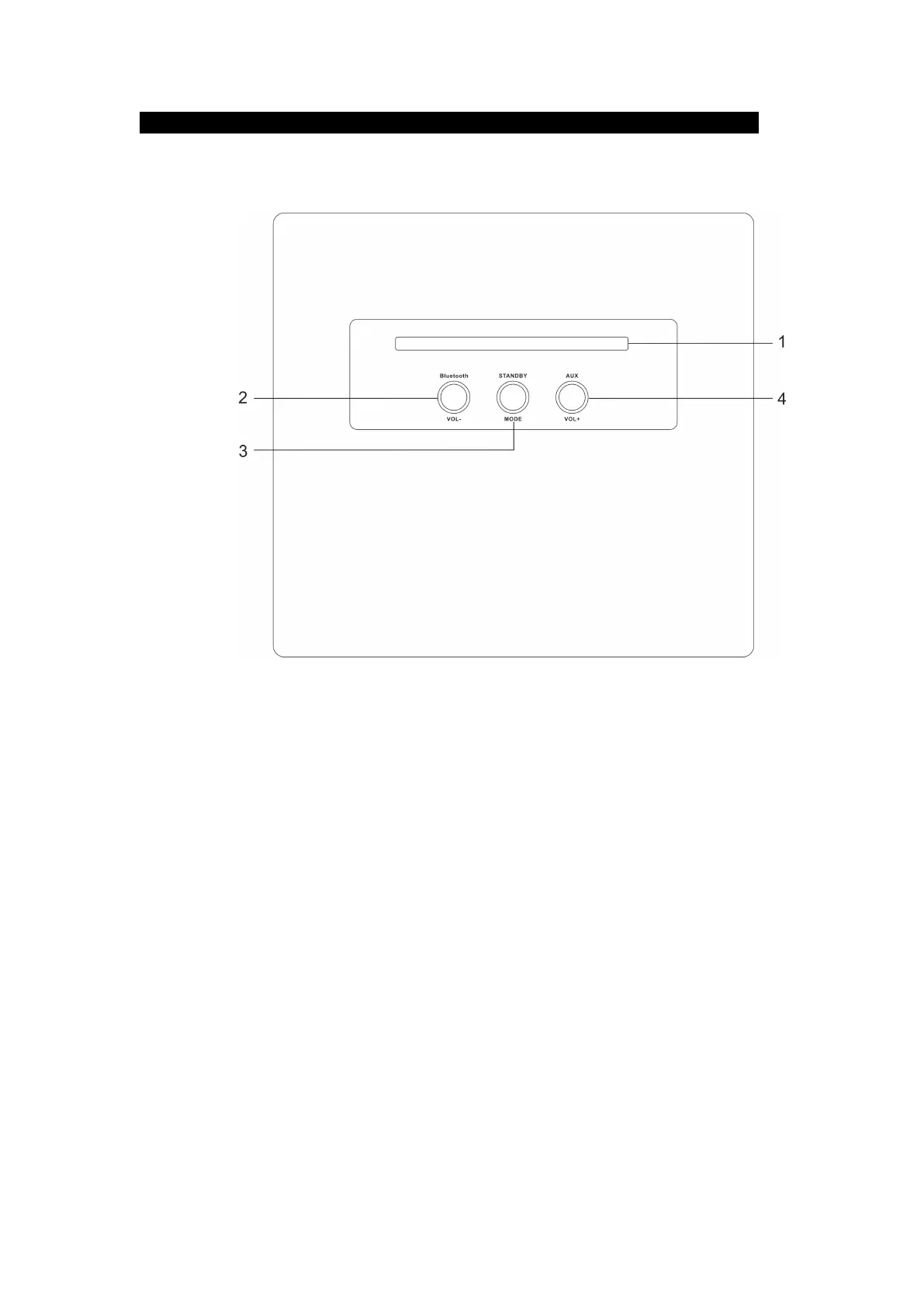
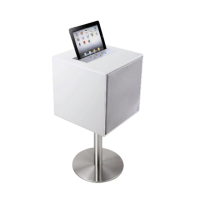
1. Groove to hold iPad/ iPhone or other smart phones , tablet computers.
5. Bluetooth Indicator /
Vol
(Volume) - Button
Bluetooth indicator .
Press to decrease volume.
2. Indicator and Key for Standby /Mode
P ress to turn the speaker Power On and off & Bluetooth/AUX in selection.
1) Under power Standby mode press one to power ON the tower speaker
2) Under Bluetooth or Aux mode press and hold for 2-3 seconds to switch tower power OFF.
3) Under Bluetooth or Aux mode press one for switch between Bluetooth and Aux in source.
3. Aux Indicator/Vol(volume) + Button
AUX in indicator


 To Next Page