EasyManua.ls Logo

DMTech BTi80 - User Manual

Default Icon
20 pages
Go to English
Print Icon
To Next Page IconTo Next Page
Loading...
Instruction Manual
Svenska, English
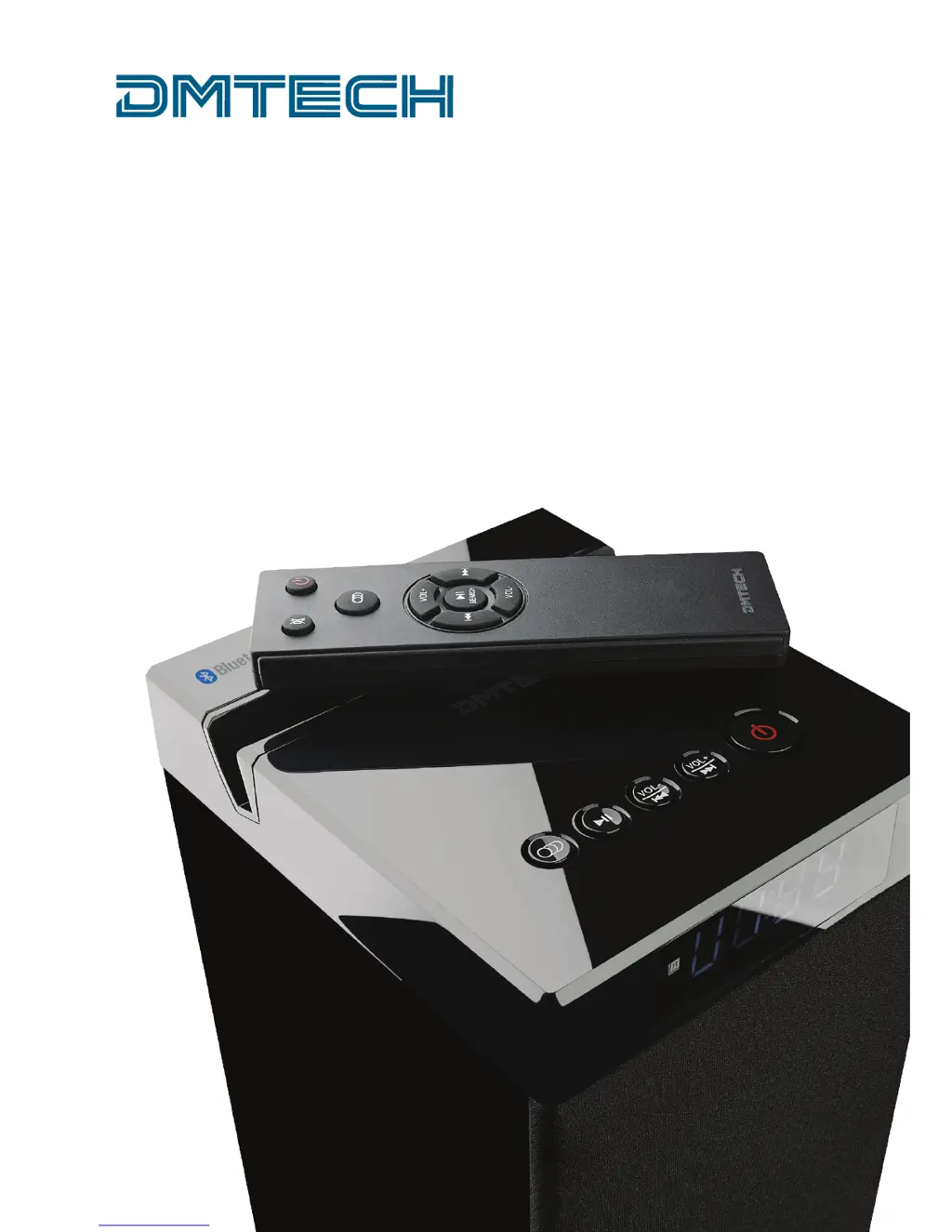
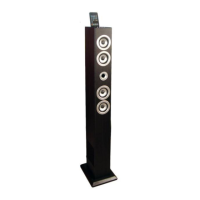
Tower Speaker BTi80

Questions and Answers

  • W
    Willie JamesAug 1, 2025
    What to do if there is no audio from my DMTech BTi80 Speakers?
    • C
      crawfordtylerAug 1, 2025
      If you are experiencing a lack of audio from your DMTech Speakers, first ensure the audio cable is properly connected to both the speaker and your audio device. Also, verify that the speaker is set to the correct audio source. If the issue persists, try turning the speaker off and then restarting it.
  • L
    Larry SteeleAug 11, 2025
    Why is my DMTech BTi80 remote control not working?
    • V
      Veronica PerryAug 11, 2025
      If the remote control for your DMTech Speakers isn't working, the battery may be empty and needs to be replaced. Also, make sure you are aiming the remote control towards the front panel of the tower speaker.
  • M
    Michelle HodgesAug 21, 2025
    How to fix DMTech Speakers when the tower speaker is not power supplied?
    • A
      Albert SimmonsAug 21, 2025
      If your DMTech tower speaker is not receiving power, check that the power cable is correctly connected to both the speaker and a functioning wall outlet.

Summary

Safety Instructions

Electrical Safety and Symbols

Explains safety symbols, risks of electric shock, and general warnings for appliance safety.

Appliance Usage and Handling Precautions

Guidelines for safe connection, operation, placement, and handling, including child safety.

Servicing and Repair Safety

Emphasizes the need for qualified personnel for repairs to prevent serious risks.

Operational Safety and Battery Handling

Covers safe operation with damaged cords, openings, volume levels, and proper battery disposal.

Product Panels and Controls

Top Panel and Rear Connections

Details the USB port, audio inputs, and control buttons on the speaker unit.

Rear Panel Features

Identifies the IR sensor, display, power indicator, and power input/switch.

Remote Control Functions

Remote Control Button Mapping

Assigns functions like Mute, Play/Pause, Volume, and Input Source to remote buttons.

Box Content List

Lists all items included in the product packaging.

Setup and Operation

Assembly Instructions

Steps for assembling the speaker stand and attaching it to the unit.

Audio Source Connections

Illustrates how to connect various audio systems, phones, and tablets.

Initial Setup and Basic Functions

Guide to powering on, starting the speaker, selecting input, adjusting volume, and muting.

Connectivity Modes

Bluetooth Pairing and Operation

Instructions for pairing a Bluetooth device and connecting to the speaker.

USB Playback

Details on connecting a USB device and playing MP3 files.

AUX Input Usage

Guidance for connecting audio sources via AUX or Line In inputs.

Troubleshooting and Specifications

Common Problems and Solutions

Addresses issues like no power, remote control failure, no audio, and speaker malfunction.

Technical Specifications

Provides details on model, power, output, speaker size, frequency response, and connectivity.

Legal and Environmental Information

Copyright and Statement

Manual copyright details and disclaimer regarding warranty and content accuracy.

Recycling and Disposal

Guidelines for recycling packaging, product, and proper disposal of batteries.

Law and Safety Compliance (CE Mark)

Information on CE marking indicating compliance with EU regulations for safety and emissions.

DMTech BTi80 Specifications

General IconGeneral
BrandDMTech
ModelBTi80
CategorySpeakers
LanguageEnglish

Related product manuals