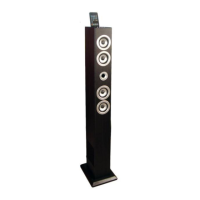
Assembly
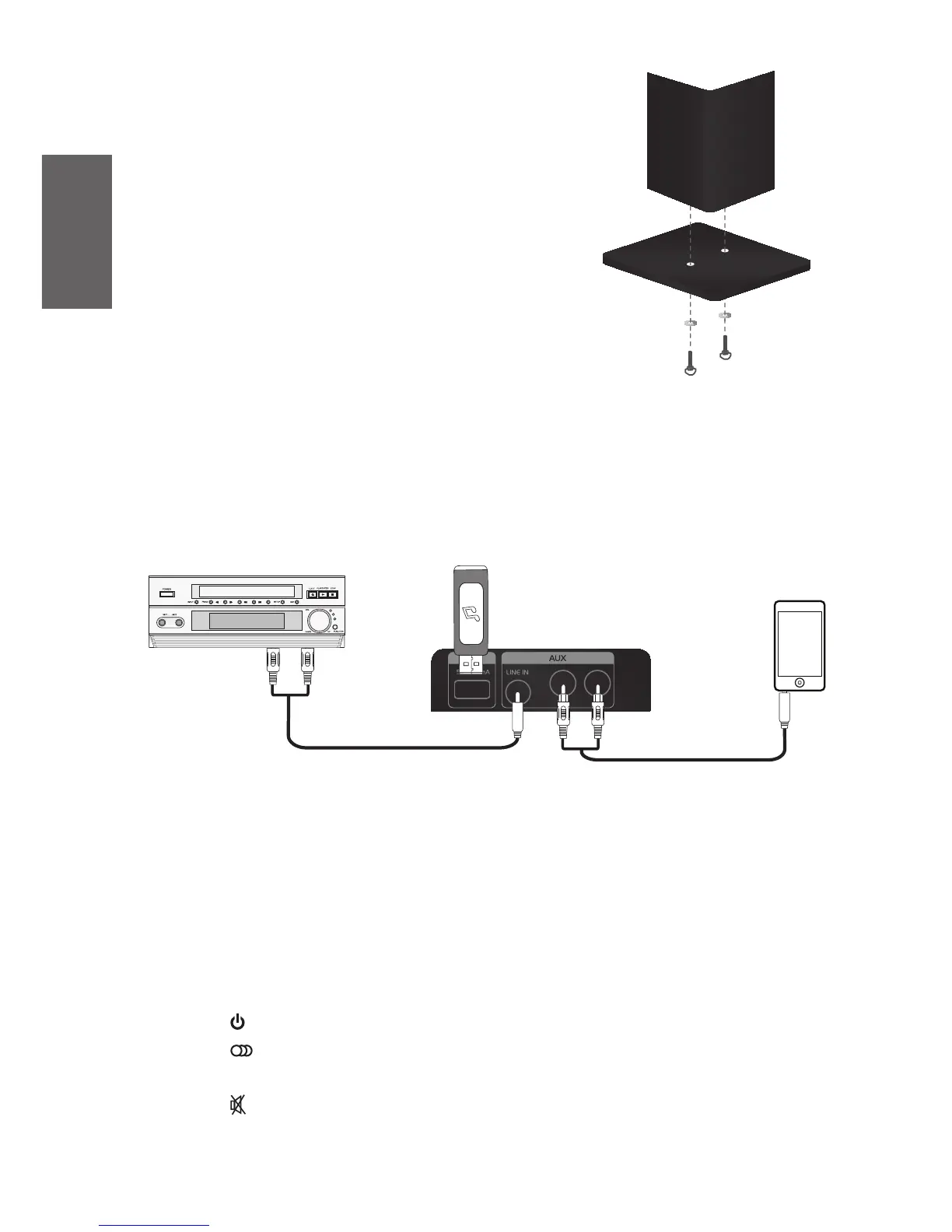
1. Remove the protecve lm from the tower
speaker before you place it on the stand.
2. Place one washer on each screw and screw
them into the boom of the stand.
Connections
See illustraon below to nd dierent ways of connecng audio sources.
Audio system USB
Phone/Tablet
Audio cable
Functions
The First Steps:
1. Turn o the tower speaker by switching the power switch on the back of the tower
speaker to O. Then connect the power cable to a wall outlet. Then start the tower
speaker by switching the power switch to On.
2. Press buon on the top panel or remote control to start the speaker.
3. Press buon on the top panel or remote control to choose input source.
4. Press Vol + or Vol - to adjust the volume.
5. Press buon to mute the sound.



 To Next Page