EasyManua.ls Logo

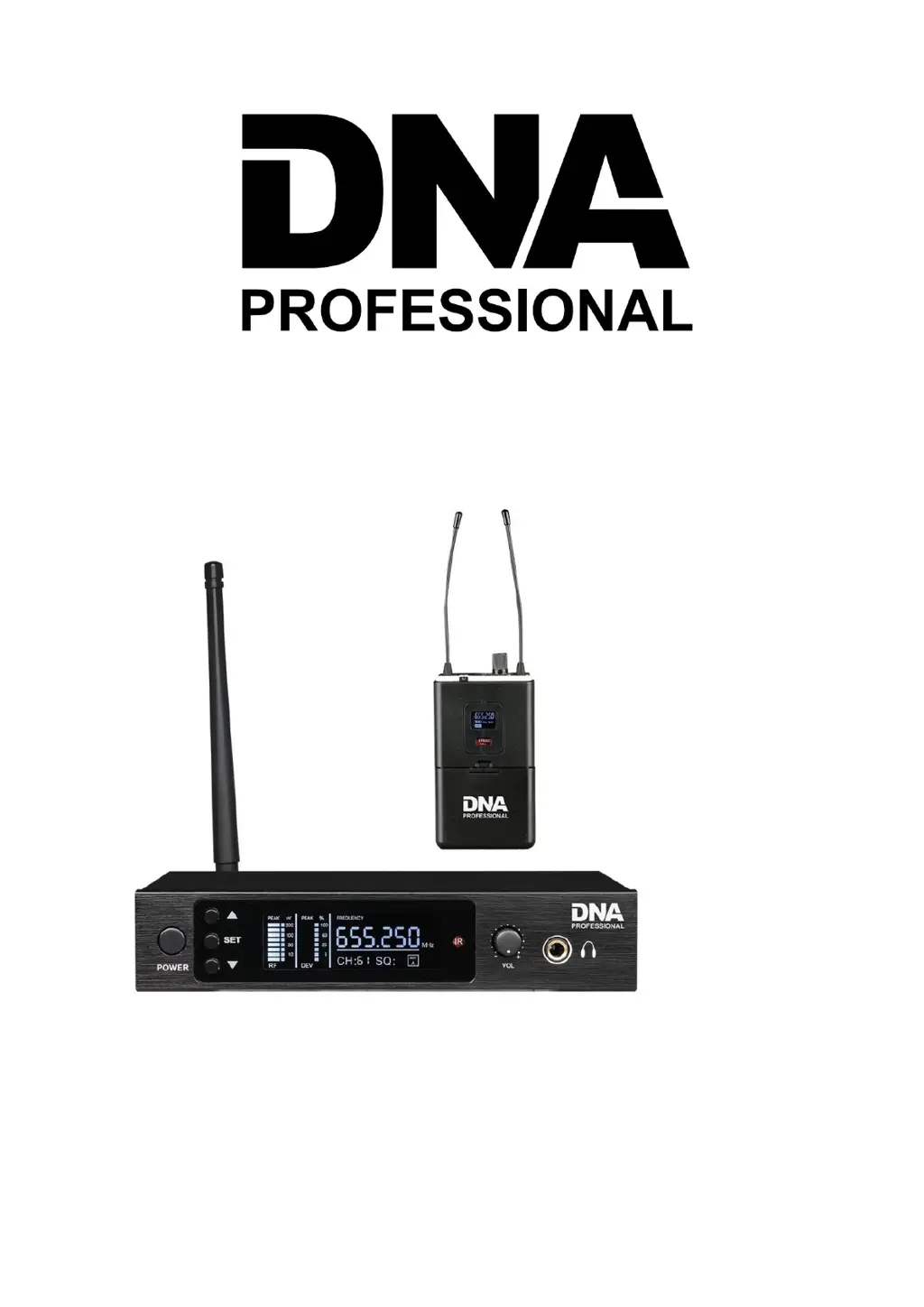
DNA Professional IN-EAR - User Manual

DNA Professional IN-EAR
11 pages
Print Icon
To Next Page IconTo Next Page
Loading...
IN-EAR
USER MANUAL
INSTRUKCJA OBSŁUGI

Questions and Answers

  • B
    bowensethAug 19, 2025
    Why does my DNA Professional Speaker System have distortion or excess burst noise?
    • M
      Maria LaneAug 19, 2025
      Distortion or excess burst noise in your DNA Professional Speaker System could be due to interference. Try the following: * Remove any nearby interference sources like CD players, computers, digital devices, or earplug monitoring systems. * Change the frequency of both the receiver and transmitter. * Replace the transmitter's battery. * If using multiple systems, increase the frequency interval between them.
  • W
    William DavidsonNov 2, 2025
    What to do if there is no sound from my DNA Professional Speaker System or the voice is weak?
    • A
      Ashley MaddenNov 2, 2025
      If you are experiencing no sound or a weak voice with your DNA Professional Speaker System, here are a few things to check: * Ensure the transmitter is powered on and the batteries are correctly inserted with the correct polarity (+/-). * Verify the receiver is properly connected to a power source and that the outlet is functional. Also, confirm that the power supply voltage is normal. * If the receiver's display shows no RF signal, increase the receiver's volume and check the cable connection between the receiver and the amplifier or mixer. * If the transmitter and receiver power indicators are lit, but there's still no RF signal, try extending the receiver's antenna vertically, move the receiver away from metal objects, ensure there are no obstructions between the transmitter an...

Summary

UHF DSP Wireless Microphone System Specification

Transmitter Function

Front Panel

Details of the front panel controls and indicators for the transmitter unit.

Rear Panel Function

Description of the rear panel connections and controls for the transmitter.

Bodypack Receiver Function

Replacing the battery

How to select Frequencies;Channels for the receiver

Frequency;Channel Select

Step-by-step guide on selecting frequencies and channels for the receiver unit.

How to match Transmitters frequency with Bodypack Receiver

Lock;unlock the display

Troubleshooting

DNA Professional IN-EAR Specifications

General IconGeneral
BrandDNA Professional
ModelIN-EAR
CategorySpeaker System
LanguageEnglish