C-6000i Computerized Jigging Reel User Manual
11
This one third of the screen also shows the label for the screen i.e. an icon
with a number that indicates which screen is active. This same icon is used
to move between screens and that is the only part of this one third of the
screen that can be reached by the user.
The five screens are organized in such a way that the basic parameters (the
ones that are most frequently used) are shown on the first screen, fishing
systems are shown on the second screen, miscellaneous parameters on the
third one and jig types on the fourth. The fifth screen shows parameters that
are mainly used for maintenance.
On screen three and five there is additional information for the user. This will
be explained in the following chapters (see sections “SCREEN THREE –
Miscellaneous Parameters” on page 27 and “SCREEN FIVE - Maintenance”
on page 33).
If the cursor is flashing on one of the screens and none of the touch pads is
pressed for one minute, then screen one will automatically be displayed and
the cursor will stop flashing.
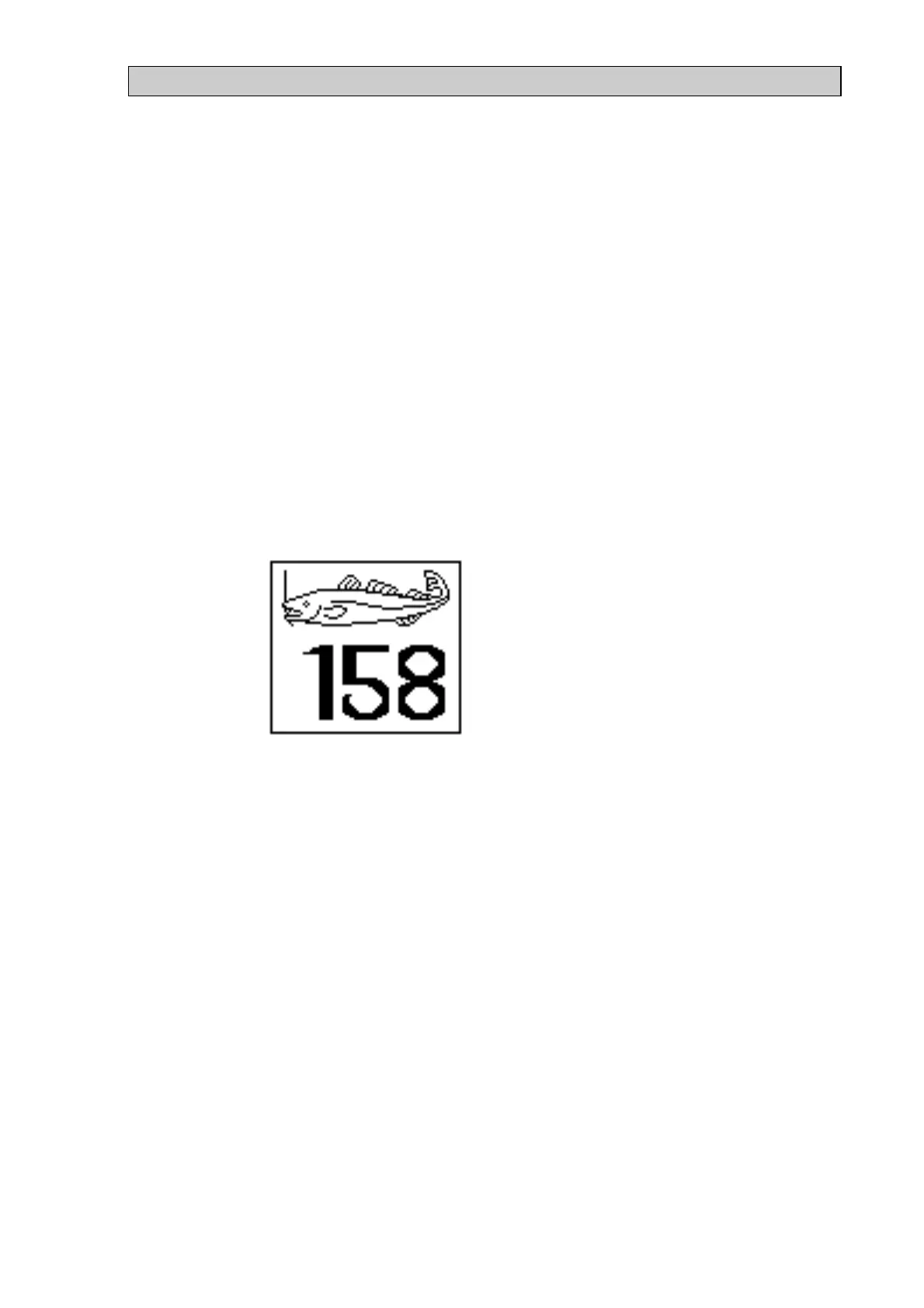
Figure 6
If the reel detects fish on the hooks, then a window will appear (see Figure 6)
which shows the depth where the fish was detected. The window will be
removed the next time one of the pads is pressed. This window will not
appear if the user is altering parameters on one of the screens.


 To Next Page
 Loading...