User Manual C-6000i Computerized Jigging Reel
14
On the other hand if a false bottom has been set (there is a line beneath the
depth counter) and the MINUS pad is pressed when the cursor is not flashing
on screen one and the reel is paying out or jigging downwards, then the false
bottom will be cleared. The reel will continue what it was doing (paying out
or jigging downwards) and the line beneath the depth counter will disappear
indicating that a false bottom is not active.
Slow down when paying out
Just like it is possible to set a false bottom at a certain depth, it is also
possible to make the reel slow down at a certain depth when paying out the
line. This is useful when fishing close to the bottom since it is less likely that
the fish gets scared away when the sinker hits the bottom.
Just like the false bottom feature there are two ways to utilize this one. The
first one is by accessing the same window as for false bottom by pressing the
MODE pad for 5 seconds when the cursor is not flashing on screen one.
Now press the PLUS when the icon in the lower left corner is flashing (see
Figure 7 on page 13). Another window, very similar to the first one will
open. The icon in the lower left corner is flashing and the next three icons
can be used to change the three digit figure in the window. When the figure
has been set to the depth where the reel should slow down, press the PLUS
pad when the “SET+/-“ icon is flashing. Then the window will close and the
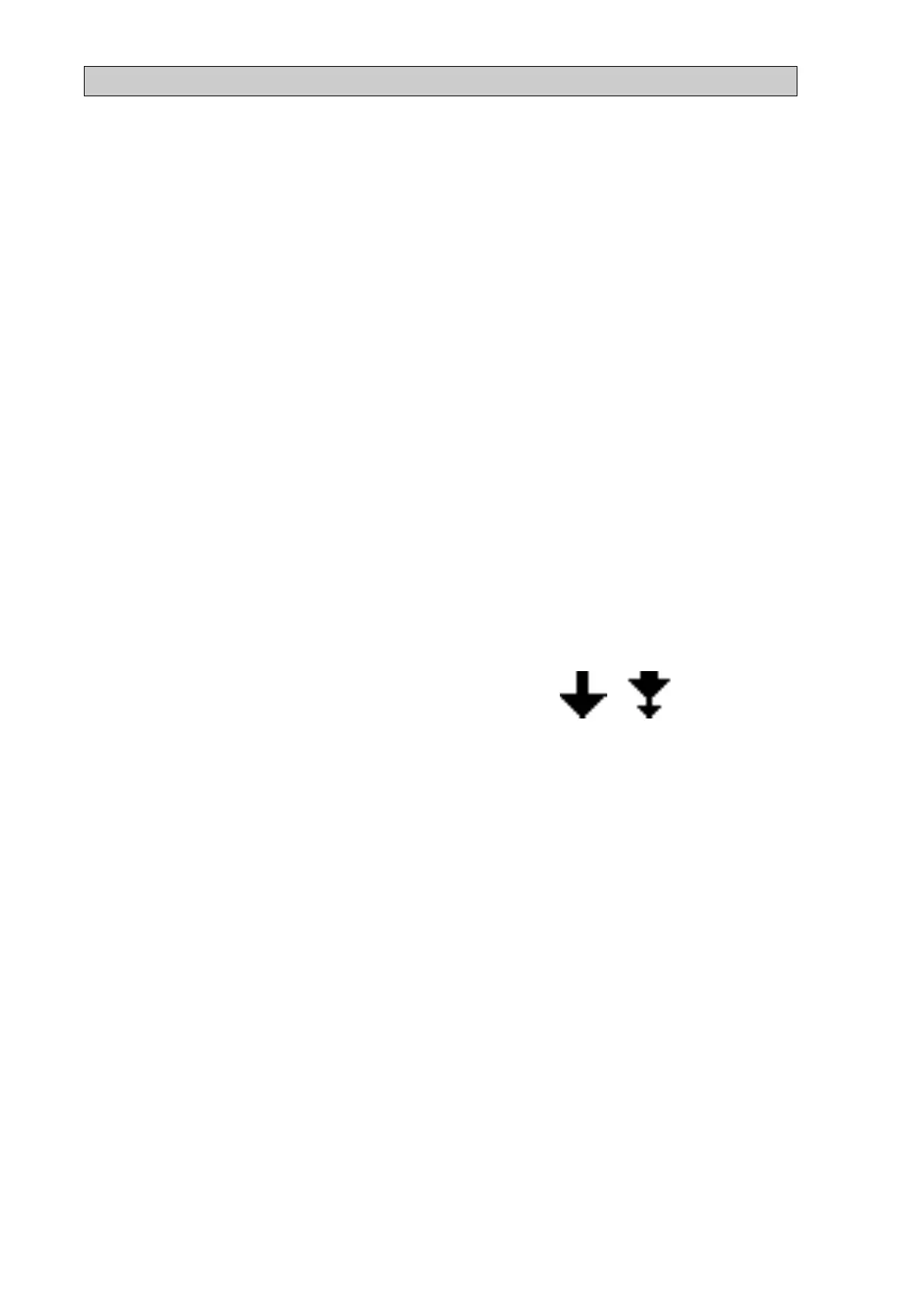
next time the reel pays out the line, a different icon for the Pay-out state will
appear. Instead of the “arrow down” icon there will be
another one indicating that a payout with slow down is
active.
The depth of the slow down can always be reviewed by accessing this
window again. By pressing the PLUS or MINUS pad when the icon in the
lower left corner is flashing you will close the window without any changes
taking place.
To disable (clear) this slow down function, simply access this window again
and press the MINUS pad when the “SET+/-“ icon is flashing.
The speed of the drum when the reel has slowed down is controlled by the
parameter DOWNJIG SPEED whose function is explained on page 31.
The other way to utilize the slow down feature is by pressing the MINUS
pad at the depth where the reel should slow down. The reel must be paying
out the line and the cursor must not be flashing (only possible on screen one).
The reel will immediately slow down to DOWNJIG SPEED and keep that
speed until bottom (or false bottom) is reached. As long as this slow down
feature is not deactivated, the reel will slow down at this depth each time it
pays out the line. Pressing the MINUS pad again, when the reel is paying
out the line and the cursor is not flashing, deactivates this function.
This feature works fine with false bottom but it must be activated before the
false bottom is set if the special window is not used. Otherwise the false
bottom would be cleared.


 To Next Page
 Loading...