- 38 -
English
Local Media Player
The local mediaplayer allows access to USB input and CD card slot.
Select Local Media in the menu.
Press Select button
The Display shows fi le scan .... During the scan the IPdio Tune looks for alle
folders and fi les on the SD card and USB port. They are fi nally displayed in
a list.
The display shows a selection by album and by artist.
Make your selection
Select Add to queue and press Select button. The radio confi rms with
added to to queue.
The playback starts immediately.
If you want to change the SD card or the USB stick it is neces-
sary to g back to the main menu and start seleting the local
media player once again.
Media Player
In order to play the music fi les you have stored on your PC via the Media player you must ensure the follow-
ing:
Your PC has the correct type of music fi les saved on it which are explained in the following paragraphs.
The music fi les on your PC are not 'protected';
The music fi les are stored in the correct location on your PC.
The PC has fi le sharing turned on.
The music fi les can be 'shared' on the network.
You know the name of your PC
MUSIC CONTENT
The internet radio plays the most popular music types,
FLIE TYPE FLIE EXTENSION SHOWN ON PC
MP3 .mp3
Windows Media .wma
Real .Ra
itunes .aac
Ogg Vorbis .ogg
(These are the letters that appear after the fi le name. e.g. MUSIC.mp3)
Instructions for streaming
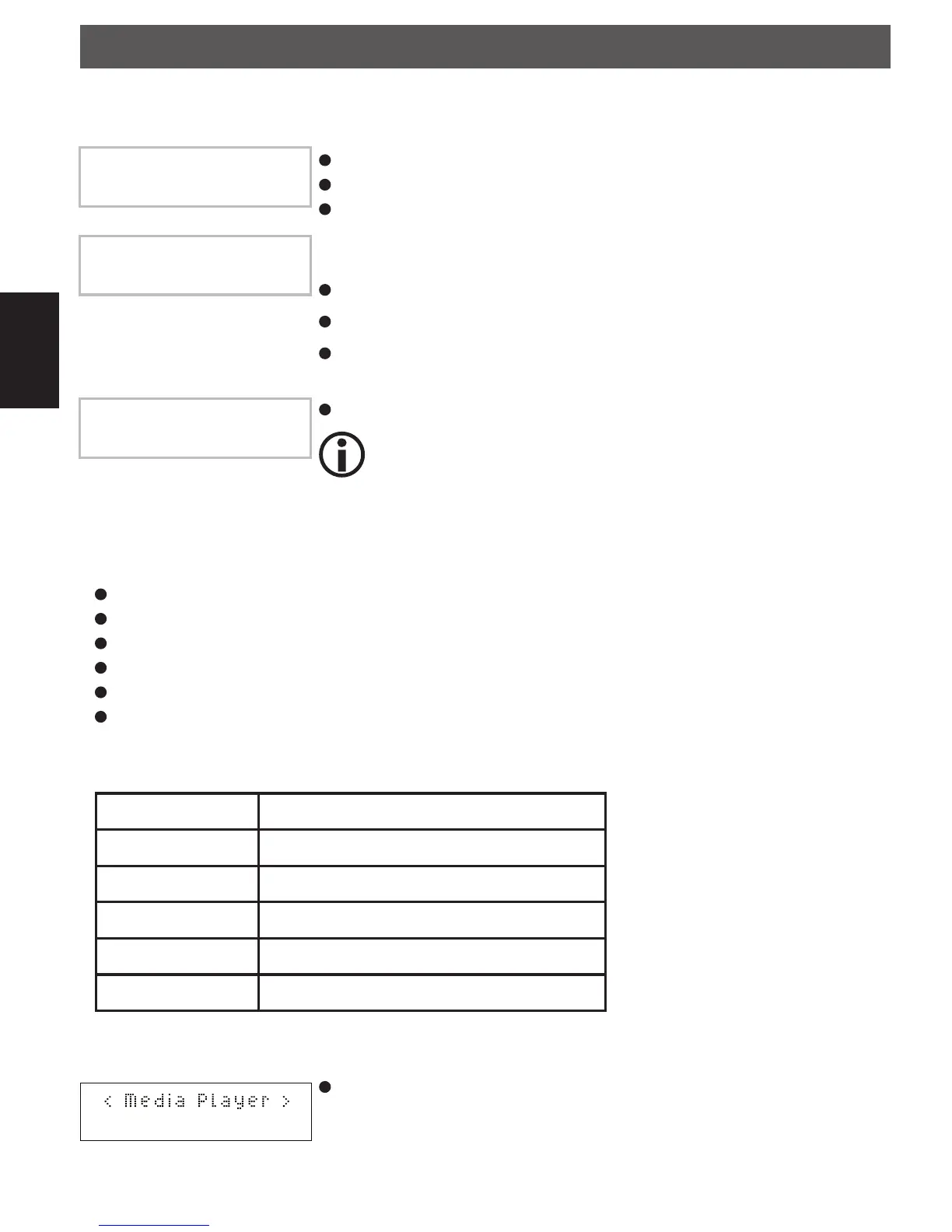
Select Media Player on the radio. Switch on the internet radio and press
BACK until you are at the top level menu. Rotate the dial until Media Player
is displayed and press the SELECT button.
Using the product
File scan...
by Album
by Artist
Add to Queue
IPdiotuneDEFN.indd 38IPdiotuneDEFN.indd 38 30.03.2010 11:59:0430.03.2010 11:59:04



 To Next Page