- 13 -
English
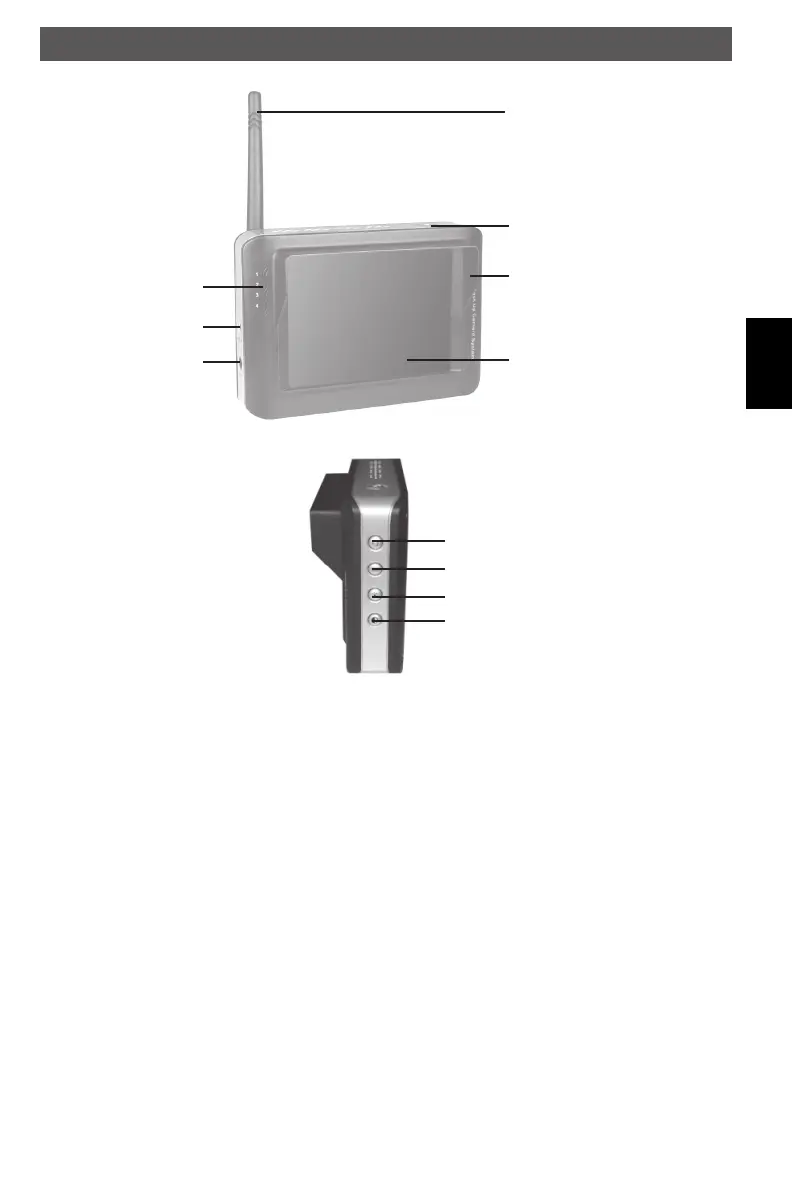
Appliance description
Monitor
antenna
power on/off
visor
TFT-LCD
channel
indicator
video In
power supply
socket
image orientation
channel switch
brightness
contrast
Description of the buttons
on/off: Press button to turn the monitor on/off.
image orientation: Repeatedly pressing to rotate the image.
channel switch: Switch the receiving channel. The channel of the transmitter is fi xed to
channel 4.
brightness: Press button to change the brightness.
contrast: Press button to change the contrast.
RFK-de.indd 13RFK-de.indd 13 20.01.2016 10:36:3220.01.2016 10:36:32



 To Next Page